Your inventory
+ Suggest a resourceSign in
CATALOG RESOURCE

mc-rs 0.4.0: distant terrain, paintings and server commands

03.11.2026 · Compatibility not verified

↓ Choose a version
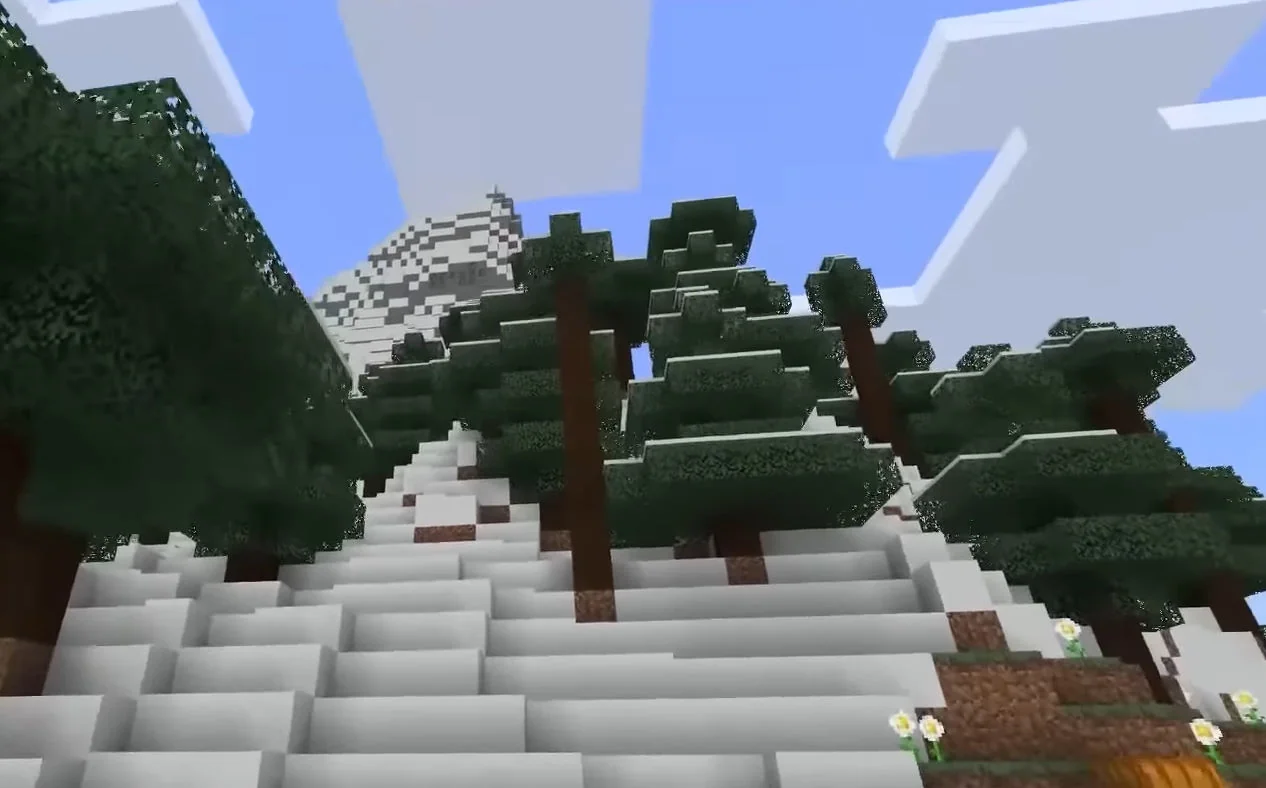
Minecraft landscape used as a decorative coverMinecraft landscape · decorative cover
Download mc-rs-launcher.exe, run it and press Play. It installs the game, finds or downloads the Minecraft 1.12.2 files and updates itself. The author requires ownership of Minecraft: Java Edition; a 0.3.0 launcher offers the update on startup.

Release features

  • Distant terrain reaches 512 chunks, with clouds expanding alongside render distance.
  • Drop a PNG or GIF onto the game window to hang it on a wall at whole-block sizes. Video requires ffmpeg; paintings are visible to all players on a server.
  • Torches are added.
  • Menu buttons use the 1.12.2 widget texture, hover states and a click sound; options use whole-number scaling.
  • Guest server connections are supported; guests cannot chat.
  • Browser sessions adjust picture settings automatically during play, with manual choices under Advanced.
  • Native joins retain and restore connections after a dropped line, and block breaking is fixed.

Moderation commands

Command Purpose
/kick Kick a player.
/ban Ban a player; the notes also mention IP bans.
/ban-ip Ban an IP.
/pardon Remove a player ban.
/pardon-ip Remove an IP ban.
/banlist List bans.

Selected release files

The metadata below describes specific author-provided files. Resource release, platform and Minecraft version are separate fields.

Release Minecraft Platform Required
v0.4.0 Not specified Windows x64 —
CHOOSE YOUR BUILD

Available downloads

The edition, Minecraft version and loader or client must match the selected file.

Latest release

v0.4.0

Edition / projectmc-rs
Game / loader / clientWindows x64
Minecraft versionNot specified
File size16.08 MB
Release date2026-10-14
Last verifiedNot specified
Author-provided SHA-256No checksum provided

How to install

  1. Check the edition, Minecraft version and loader or client in the table.
  2. Back up your world and read the author’s instructions.
  3. Download the selected file and follow the author instructions for your edition.
  4. Launch the game and check it in a separate test world.

Java: check Vanilla, Forge, Fabric or NeoForge. Bedrock: follow the add-on or world author instructions. Rust clients require separate compatibility testing.

HELP IMPROVE THE CATALOG

Report a problem

Include your version and describe the issue. Your report will be visible to site editors.

Do not include passwords, tokens or other personal information. Privacy policy

WAS THIS ARTICLE HELPFUL?

Reader rating

Rate how useful this article is. Mod compatibility is checked separately by editors.

Be the first to rate this article.

Sign in to rate this article.

PERSONAL COLLECTION

Your inventory

Your collection is stored in this browser. No account required.