

 Your inventory
 Sign in

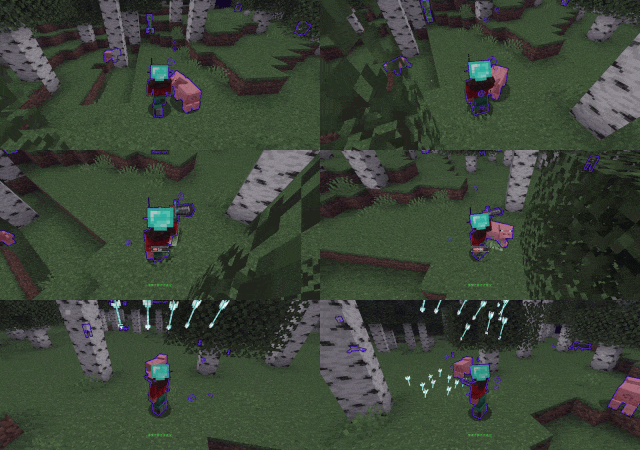
Visual Set Edit
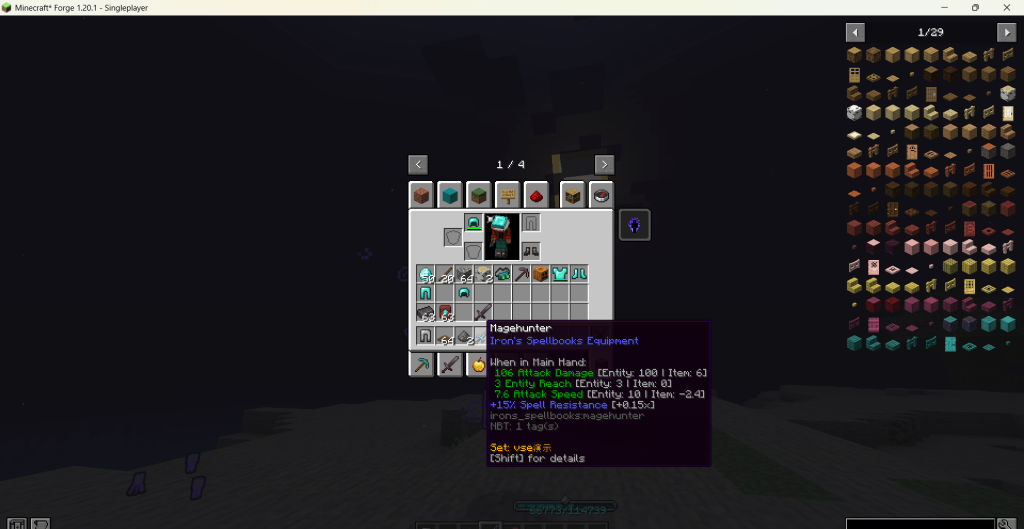
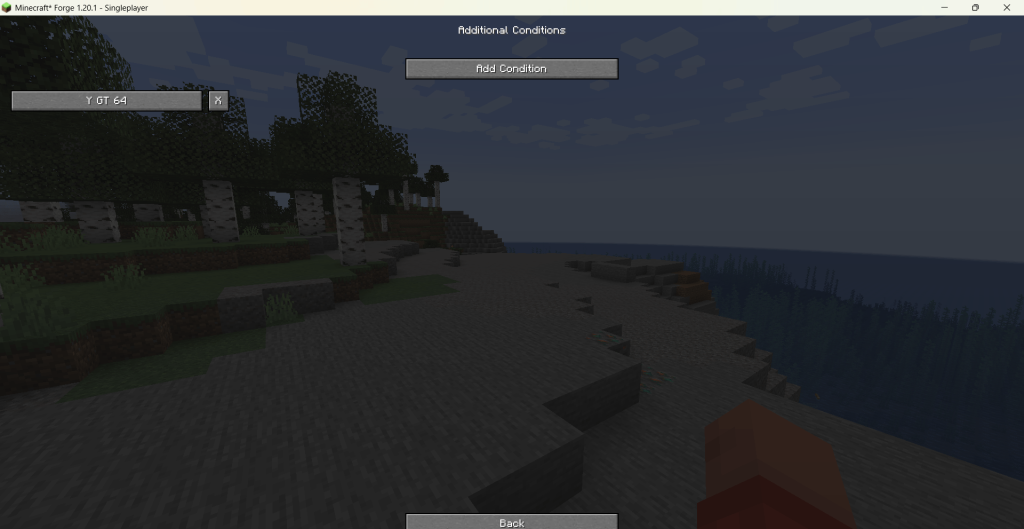
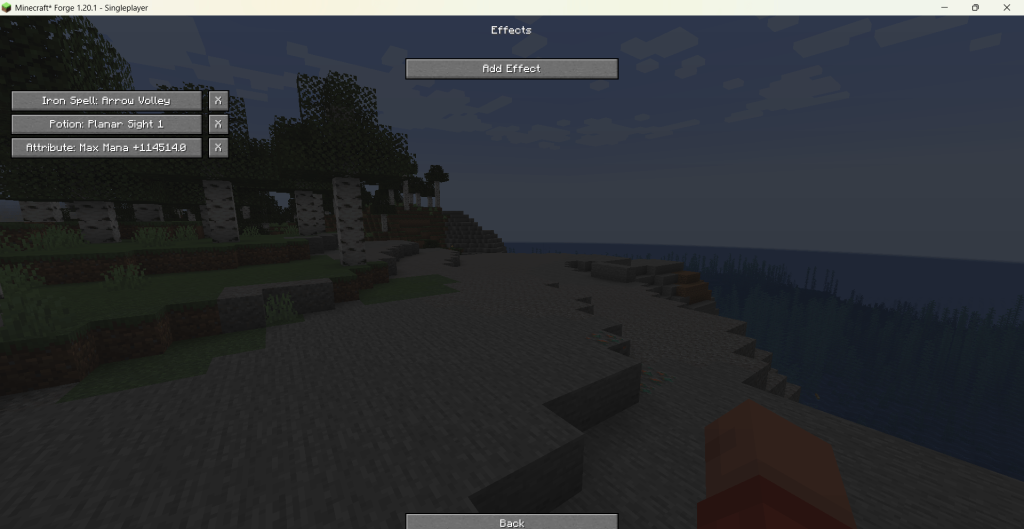
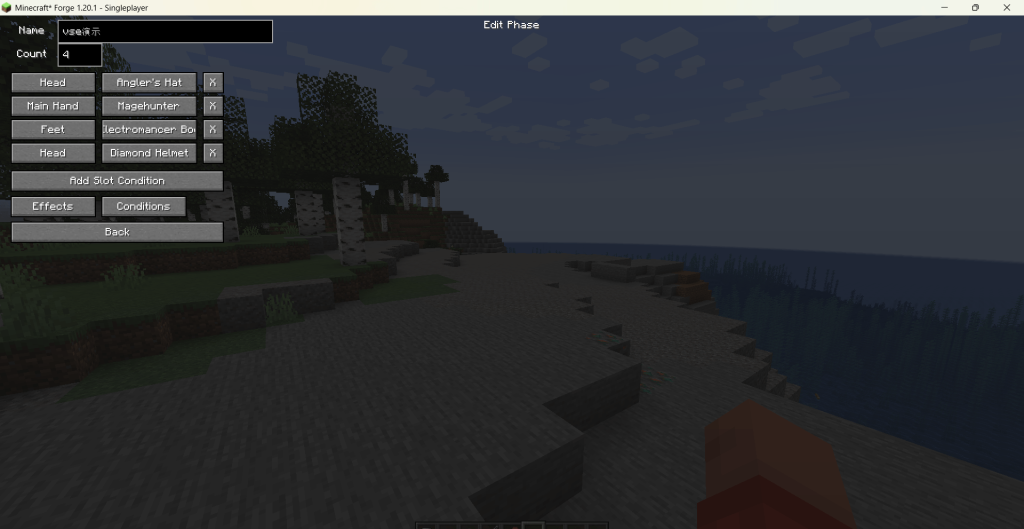
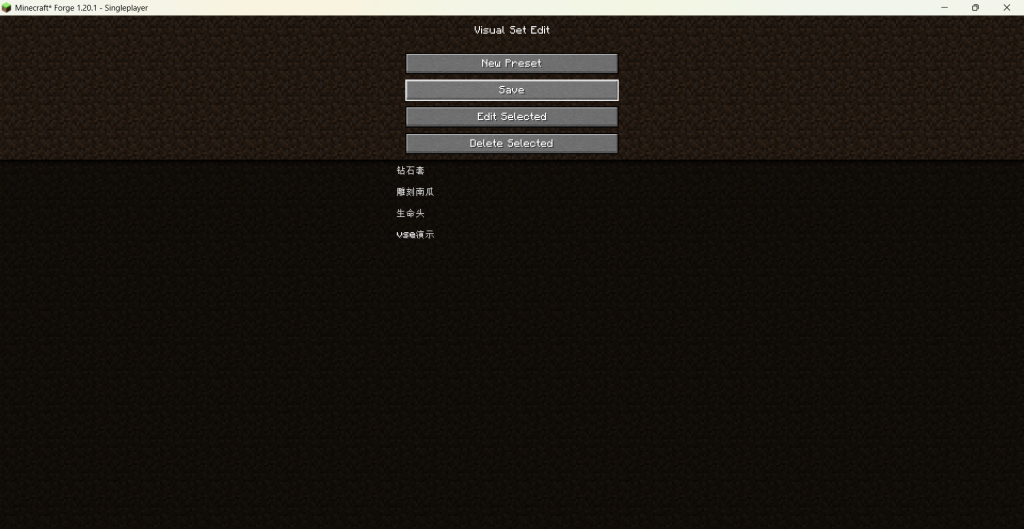
Use the command /vse gui to open the management interface. Create phases by defining required slots and items for specific sets. Assign items to head, chest, legs, boots, main hand, offhand, or Curios integration slots. Add potion effects, attribute modifiers, abilities, and commands to items. Conditions combine environment parameters and player state using AND/OR/NOT operators. Hold Shift for context-sensitive hints showing item set membership and phase progress. The system automatically detects Curios slots and Iron’s Spells spell lists upon mod installation. Changes are saved in config/visual_set_edit/. Ensure the mod is installed before attempting to use commands or access the GUI.
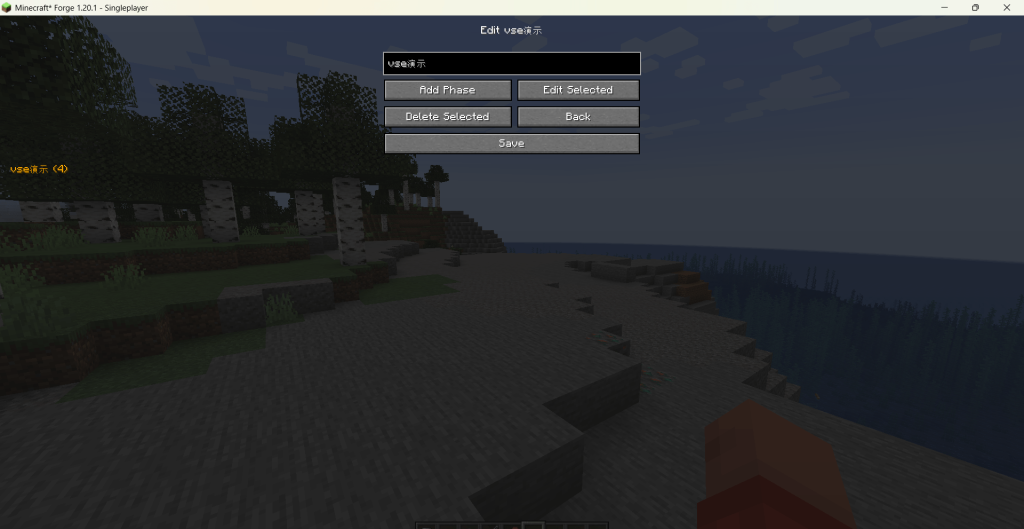
Visual Set Edit: Language Support and Reload Command
Visual Set Edit includes built-in language files for English and Chinese, automatically switching based on the game’s current language setting. Players can use the /vse reload command to instantly apply changes by reloading presets from configuration files without restarting the game.
Minecraft versions and loaders
| Release | Minecraft | Loader / client | Dependencies |
|---|---|---|---|
| 1.12.2.0 | 1.20.1 | forge | — |
| 1.12.1.1-neoforge-1.21.1 | 1.21.1 | neoforge | — |
Screenshots and examples
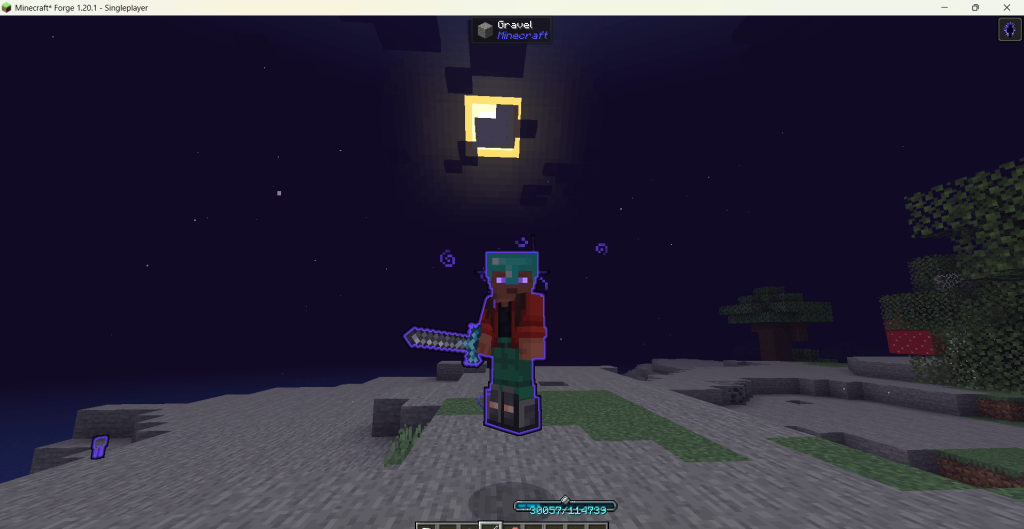
Illustrations from the project author.
 How to install
Discussion 0
Share your experience, ask questions and help other players.
It is quiet here. Your experience could help someone.