Your inventory
+ Suggest a resourceSign in
CATALOG RESOURCE

Create Aeronautics: Transmission & Linkage — joints and hydraulics

03.11.2026 · Compatibility not verified

↓ Choose a version
Create Aeronautics: Transmission & Linkage

Connecting moving structures

Transmission & Linkage extends Create Aeronautics with mechanical connections for moving physics structures. Separate assemblies can remain linked while retaining controlled movement relative to each other.

Main components

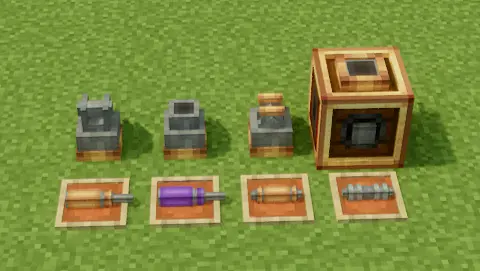
Component Purpose
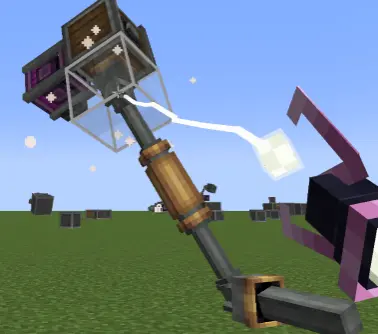
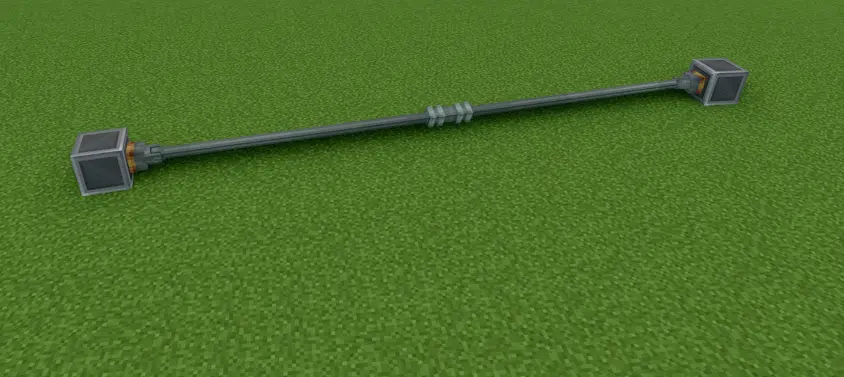
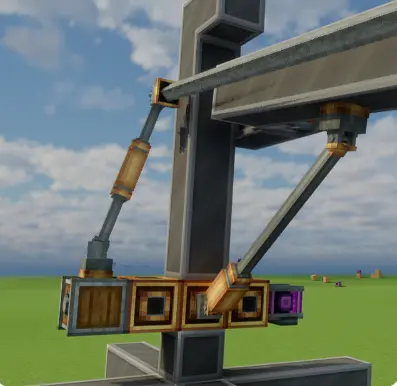
Universal joints and joint rods Connect separate physics structures while allowing movement between them.
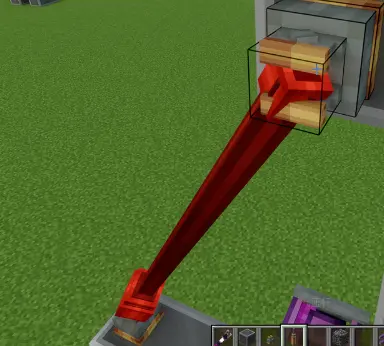
Hydraulic rods Provide adjustable extension, damping and return force.
Pneumatic regulators Control a hydraulic rod’s target length with redstone.
Hinge heads Form part of the mechanical linkage component set.
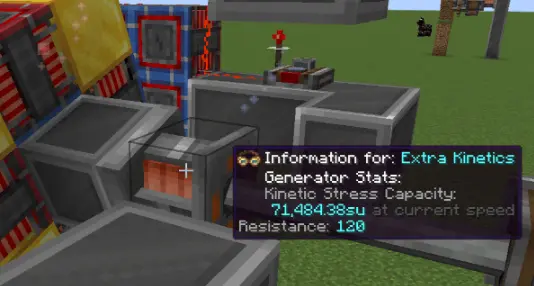
Kinetic conversion bearings Convert rotation of an attached Aeronautics structure into Create kinetic output.

Applications and in-game guidance

The author lists aircraft mechanisms, folding structures, suspensions, powered hinges and stabilizers as applications. Main blocks include in-game Ponder scenes, and some behavior parameters can be adjusted through NeoForge configuration files.

Selected release files

The metadata below describes specific author-provided files. Resource release, platform and Minecraft version are separate fields.

Release Minecraft Platform Required
0.2.9 1.21.1 neoforge —

Author screenshots

Illustrations from the project description and gallery, with original sources and credits retained for each image.
Author screenshots
Author screenshots
Author screenshots
Author screenshots
Author screenshots
CHOOSE YOUR BUILD

Available downloads

The edition, Minecraft version and loader or client must match the selected file.

Latest release

0.2.9

Edition / projectMinecraft Java Edition
Game / loader / clientneoforge
Minecraft version1.21.1
File size0.74 MB
Release date2026-11-01
Last verifiedNot specified
Author-provided SHA-256No checksum provided

How to install

  1. Check the edition, Minecraft version and loader or client in the table.
  2. Back up your world and read the author’s instructions.
  3. Download the selected file and follow the author instructions for your edition.
  4. Launch the game and check it in a separate test world.

Java: check Vanilla, Forge, Fabric or NeoForge. Bedrock: follow the add-on or world author instructions. Rust clients require separate compatibility testing.

HELP IMPROVE THE CATALOG

Report a problem

Include your version and describe the issue. Your report will be visible to site editors.

Do not include passwords, tokens or other personal information. Privacy policy

WAS THIS ARTICLE HELPFUL?

Reader rating

Rate how useful this article is. Mod compatibility is checked separately by editors.

Be the first to rate this article.

Sign in to rate this article.

PERSONAL COLLECTION

Your inventory

Your collection is stored in this browser. No account required.