

 Your inventory
 Sign in

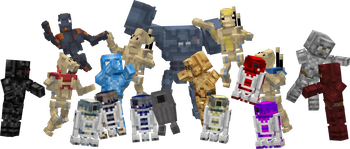
Star Wars: Blood & Beskar Gameplay Mechanics
Combat in Star Wars: Blood & Beskar requires managing heat levels for blasters, which overheat if held down continuously. Players must assemble lightsabers manually by combining individual components rather than using a single crafting recipe. The game features 28 distinct full armor sets, with Mandalorian gear created by fusing leather armor and Beskar Alloy Ingots. Crafting one Beskar Alloy Ingot specifically requires nine Beskar Alloy Nuggets.
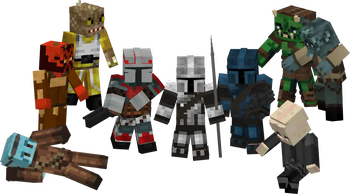
Mandalorian patrols appear naturally in desert, badlands, and village biomes, organized into three clans: Wren (white/yellow), Kryze (blue), and Saxon (red). Approximately 25% of patrol members are equipped with Beskar spears. These encounters present specific tactical challenges based on clan coloration and weapon types.
Star Wars: Blood & Beskar Gameplay Mechanics
The mod introduces specific methods for obtaining and crafting key items. Bounty Fob Contracts are available directly within the game, while patrol spawns rely on datapacks or commands utilizing NBT data. Unique light saber blueprints are exclusively located in chests found inside Nether Fortresses. Cyber crystals can be discovered among amethyst clusters within geodes. Players must combine specific handle and blade color parts to create one of 378 possible light saber configurations.
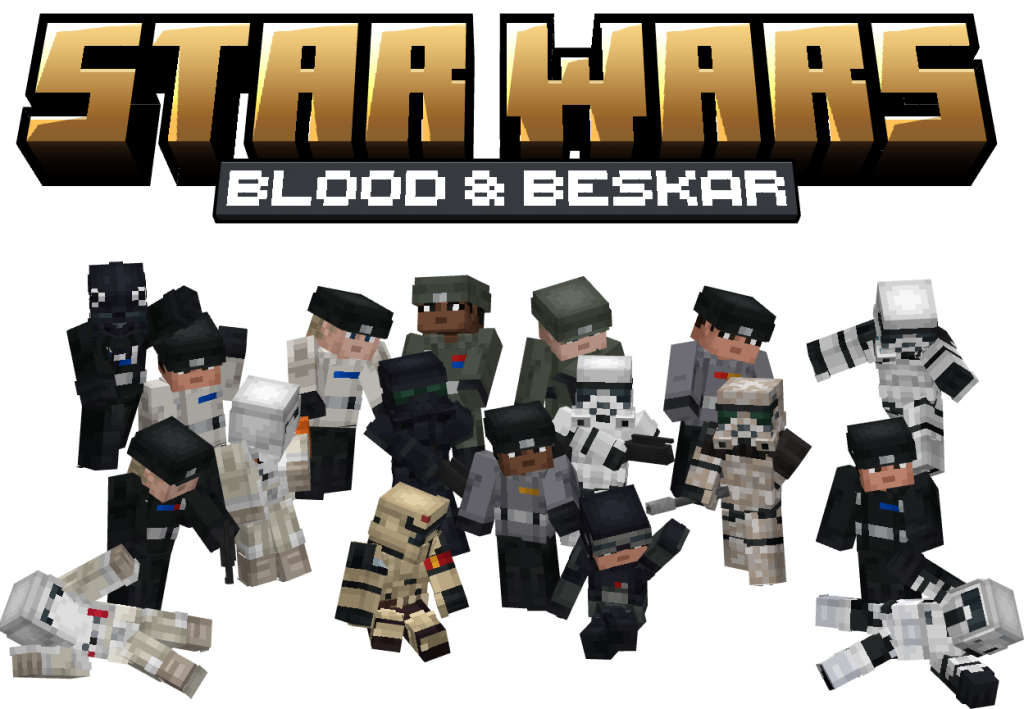
Star Wars: Blood & Beskar
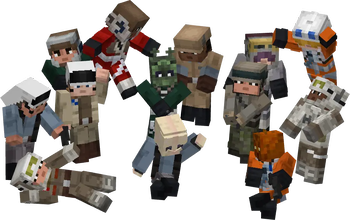
This mod for Java Edition introduces new native species including Biths, Rodians, Zabracs, and Trandoshans, alongside Tusken Raiders. Players can interact with these entities within the game environment. Weapon parameters are stored in datapack files and adjustable by players to customize equipment characteristics.
Minecraft versions and loaders
| Release | Minecraft | Loader / client | Dependencies |
|---|---|---|---|
| 1.6.1-beta | 1.21.1 | fabric | — |
| 1.6.1-beta | 1.21.1 | neoforge | — |
Project screenshots
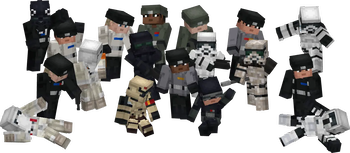
Illustrations from the project author.
 How to install
Discussion 0
Share your experience, ask questions and help other players.
It is quiet here. Your experience could help someone.