Your inventory
+ Suggest a resourceSign in
CATALOG RESOURCE

Golden Dandelion Backport: Java Edition Mod for Minecraft 1.12.2+

03.11.2026 · Compatibility not verified

↓ Choose a version
Golden Dandelion Backport

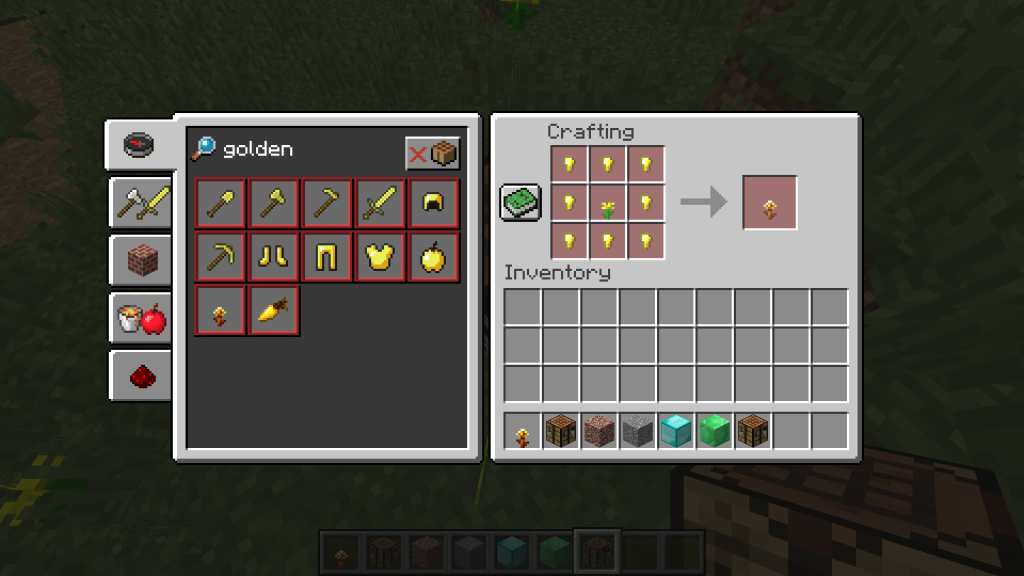
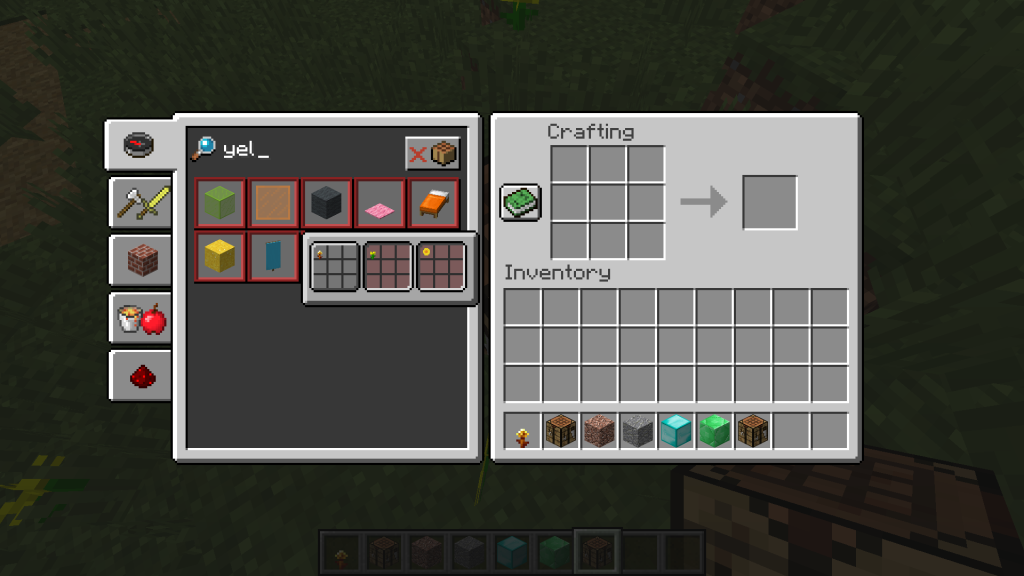
Golden Dandelion Backport: New Recipes and Crafting

The Golden Dandelion Backport adds a new cooking recipe for the Suspicious Stew, allowing players to craft it using specific ingredients. Additionally, this mod introduces a mob capable of crafting yellow dye, expanding the available color options in the game.

Golden Dandelion Backport

The Golden Dandelion Backport temporarily halts the aging process of mob offspring when fed. This effect can be reversed by using the golden dandelion to resume the aging cycle for baby mobs.

Golden Dandelion Backport Requirements

This resource is designed for Minecraft versions starting from 1.12.2. It does not support other editions such as Bedrock or Horizon, nor does it include Java-specific loaders or installation methods found in other editions.

Minecraft versions and loaders

Release Minecraft Loader / client Dependencies
1.0.6.4 1.21.11 fabric —
1.0.6.4 1.21.4 fabric —

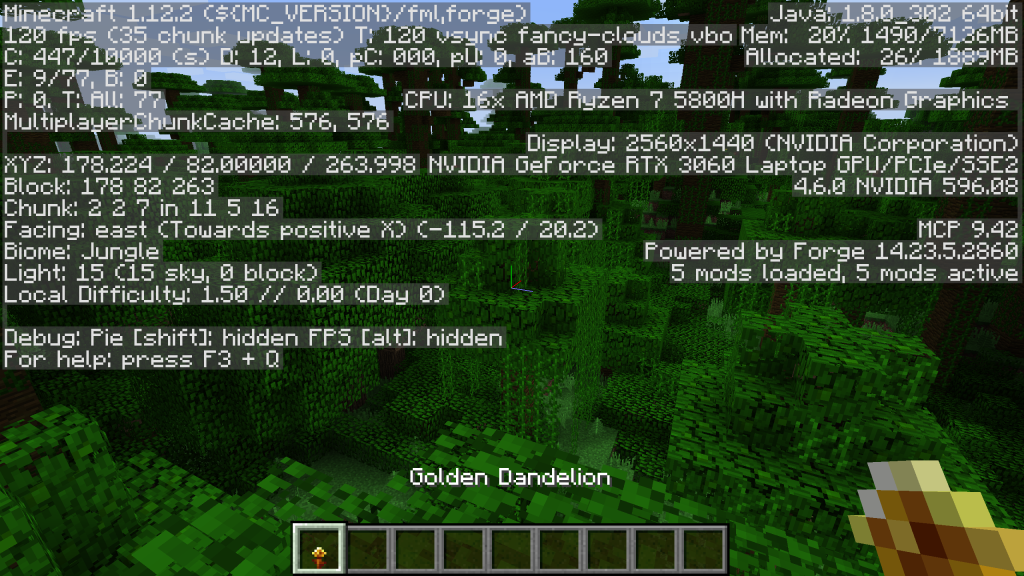
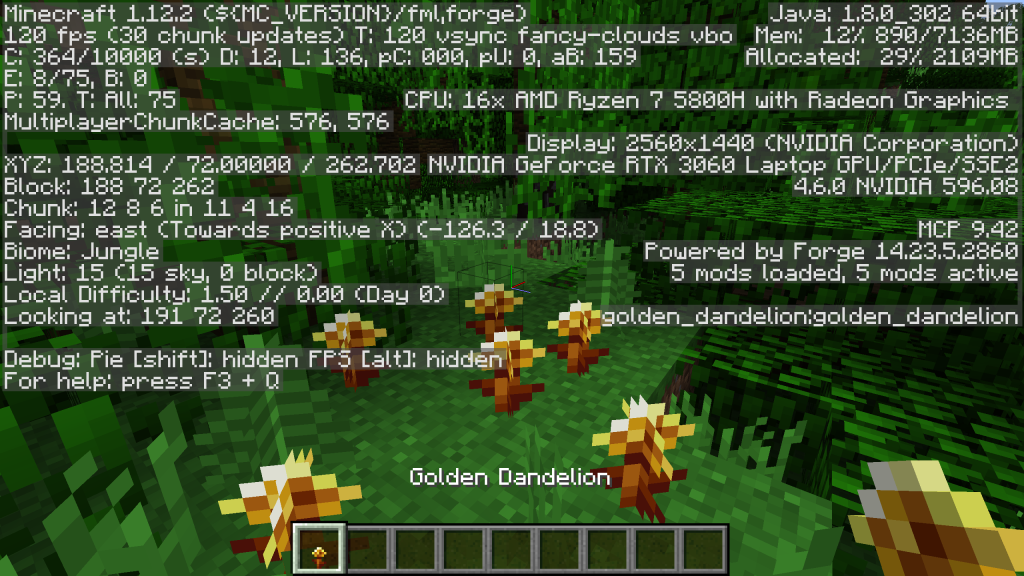
Project screenshots

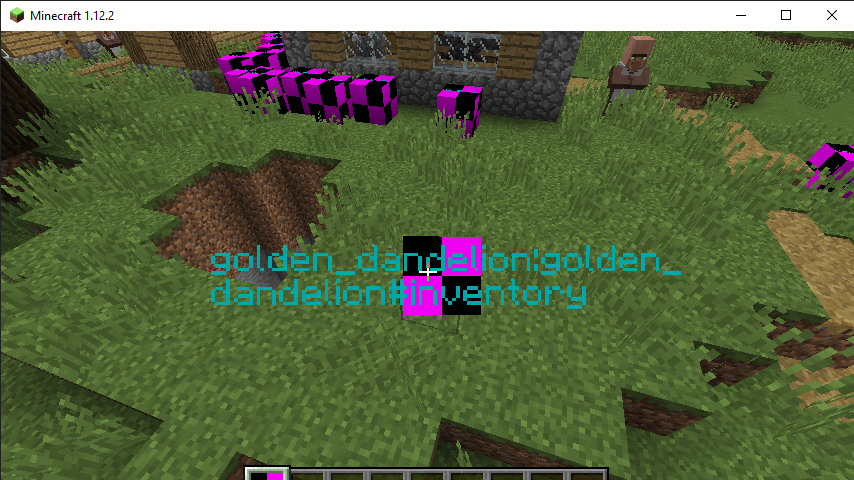
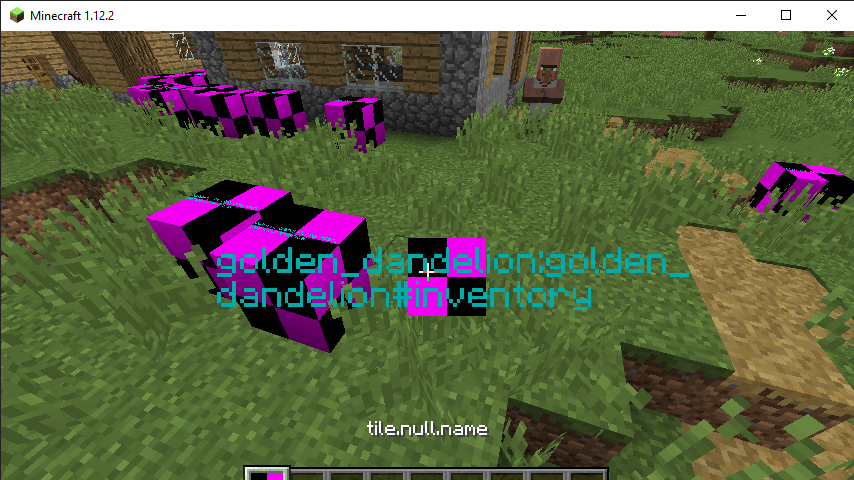
Illustrations from the project author.
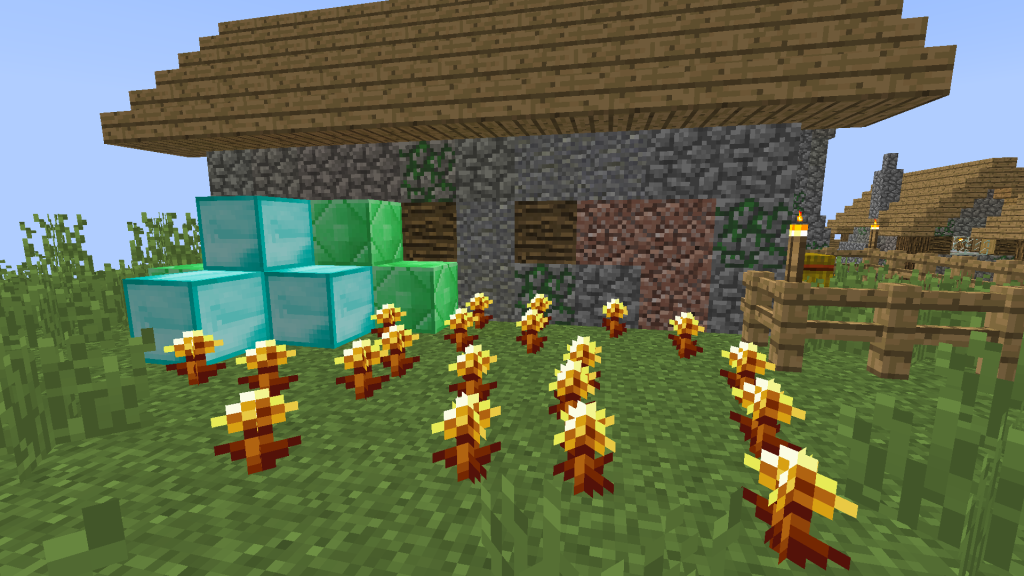
Project screenshots
Project screenshots
Project screenshots
Project screenshots
Project screenshots
Project screenshots
Project screenshots
CHOOSE YOUR BUILD

Available downloads

The edition, Minecraft version and loader or client must match the selected file.

Latest release

1.0.6.4

Edition / projectMinecraft Java Edition
Game / loader / clientfabric
Minecraft version1.21.11
File size0.08 MB
Release date2026-11-01
Last verifiedNot specified
Author-provided SHA-256No checksum provided
Older versions 1
Archived release

1.0.6.4

Edition / projectMinecraft Java Edition
Game / loader / clientfabric
Minecraft version1.21.4
File size0.08 MB
Release date2026-11-01
Last verifiedNot specified
Author-provided SHA-256No checksum provided

How to install

  1. Check the edition, Minecraft version and loader or client in the table.
  2. Back up your world and read the author’s instructions.
  3. Download the selected file and follow the author instructions for your edition.
  4. Launch the game and check it in a separate test world.

Java: check Vanilla, Forge, Fabric or NeoForge. Bedrock: follow the add-on or world author instructions. Rust clients require separate compatibility testing.

HELP IMPROVE THE CATALOG

Report a problem

Include your version and describe the issue. Your report will be visible to site editors.

Do not include passwords, tokens or other personal information. Privacy policy

WAS THIS ARTICLE HELPFUL?

Reader rating

Rate how useful this article is. Mod compatibility is checked separately by editors.

Be the first to rate this article.

Sign in to rate this article.

COMMUNITY CAMPFIRE

Discussion 0

Share your experience, ask questions and help other players.

Start the conversation

It is quiet here. Your experience could help someone.

Leave a comment

PERSONAL COLLECTION

Your inventory

Your collection is stored in this browser. No account required.