

 Your inventory
 Sign in

Sodium: High-Performance Rendering Engine
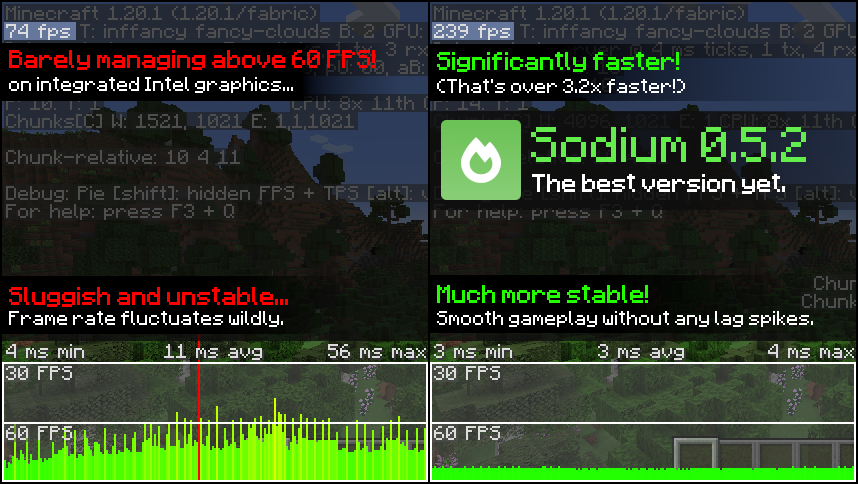
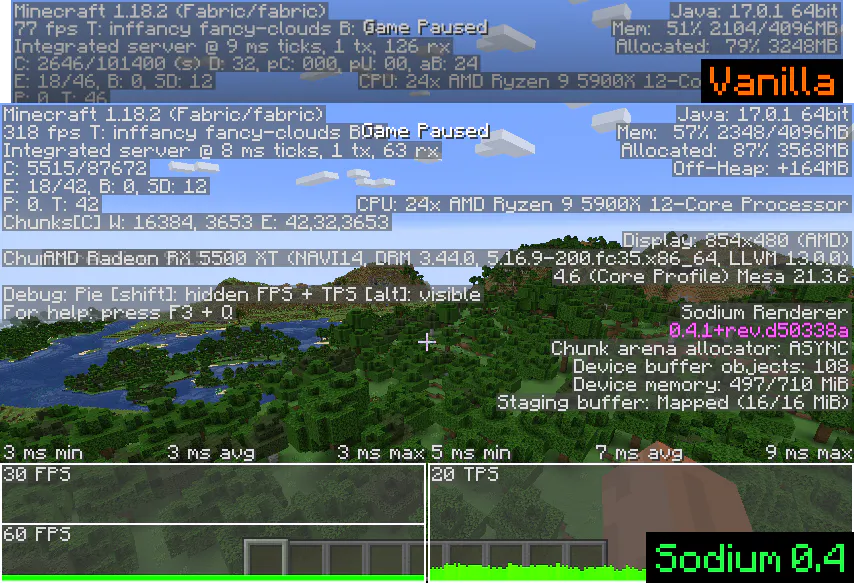
Sodium replaces Minecraft’s default rendering engine to significantly boost frame rates and eliminate micro-stutter. It operates by optimizing only the rendering code while preserving all other game systems, ensuring an authentic block-based experience without altering core mechanics. The mod activates supported optimizations automatically, requiring no manual configuration for users who simply check Video Settings in the client to confirm the improved interface is functioning.
Sodium: Performance Optimization for Java Edition
Sodium is a mod designed to improve rendering performance in Minecraft by optimizing the game’s video system. It works with Fabric Loader, Quilt, and NeoForge, allowing players to adjust advanced settings that enhance frame rates when standard configurations are insufficient. For versions 1.15 and later, installing Lithium alongside Sodium is often necessary to unlock further performance gains, while Phosphor may be required for specific earlier releases to maximize efficiency.
Sodium for Minecraft Java Edition
Sodium is a performance optimization mod designed to improve frame rates and reduce lag in the Minecraft Java Edition by enhancing rendering efficiency. It functions as a backend replacement that modifies how blocks, entities, and particles are processed within the game engine without altering core gameplay mechanics or item behavior. Users should expect variable performance gains depending on their specific hardware configuration, with results varying across different CPU models, GPU architectures, and software environments.
Sodium Video Card Requirements
Sodium functions only on graphics cards that support OpenGL 3.3 or higher. This includes Intel HD Graphics 500 series and newer, NVIDIA GeForce 400 series and newer, and AMD Radeon HD 7000 series and newer. Older hardware is not supported by the developers, and compatibility with future versions cannot be guaranteed.
Minecraft versions and loaders
| Release | Minecraft | Loader / client | Dependencies |
|---|---|---|---|
| mc26.3-0.9.3-beta.1-fabric | 26.3 | fabric | — |
| mc26.3-0.9.3-beta.1-neoforge | 26.3 | neoforge | — |
Project screenshots
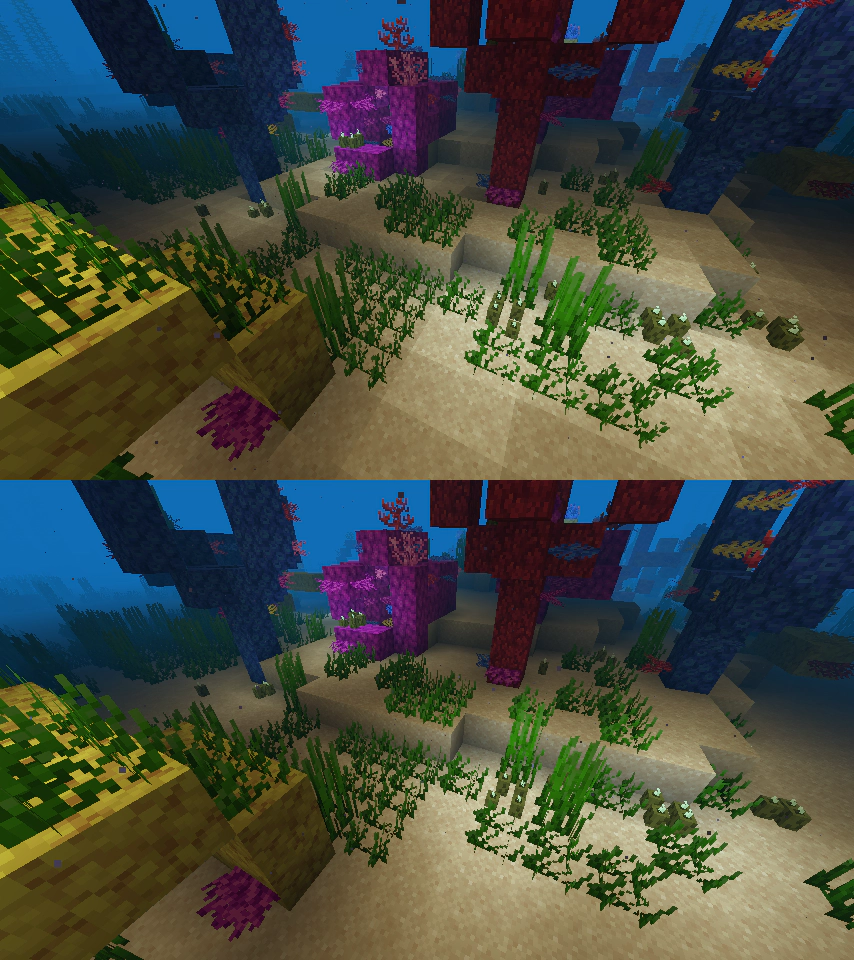
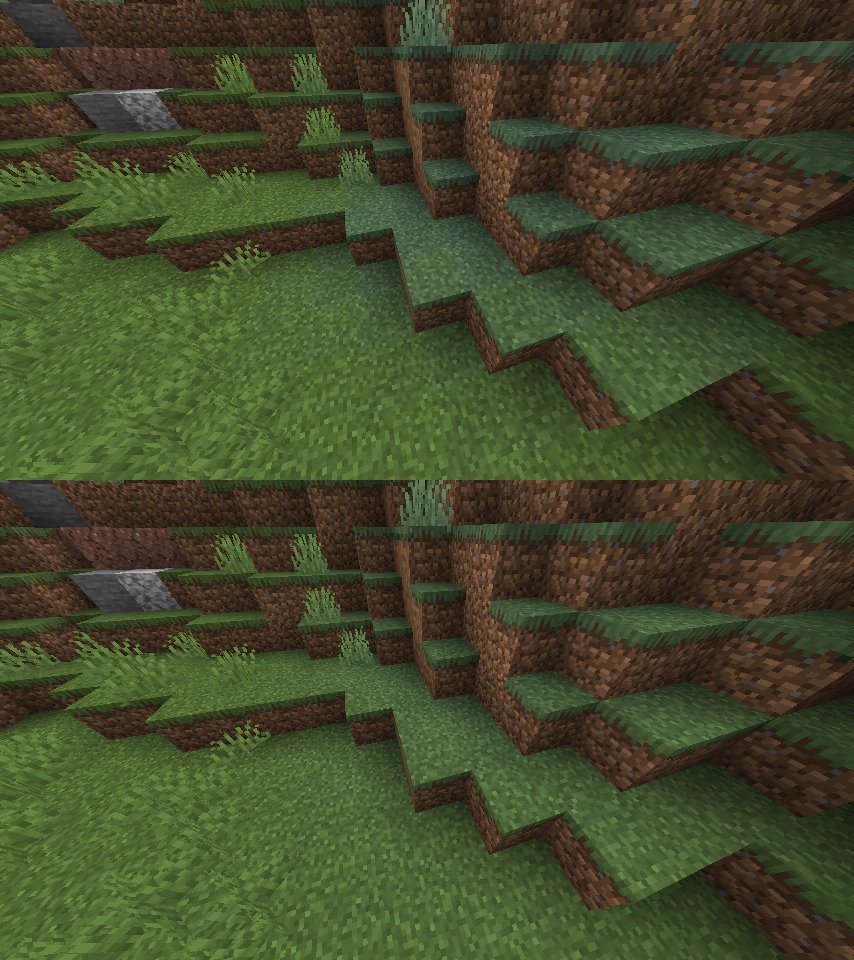
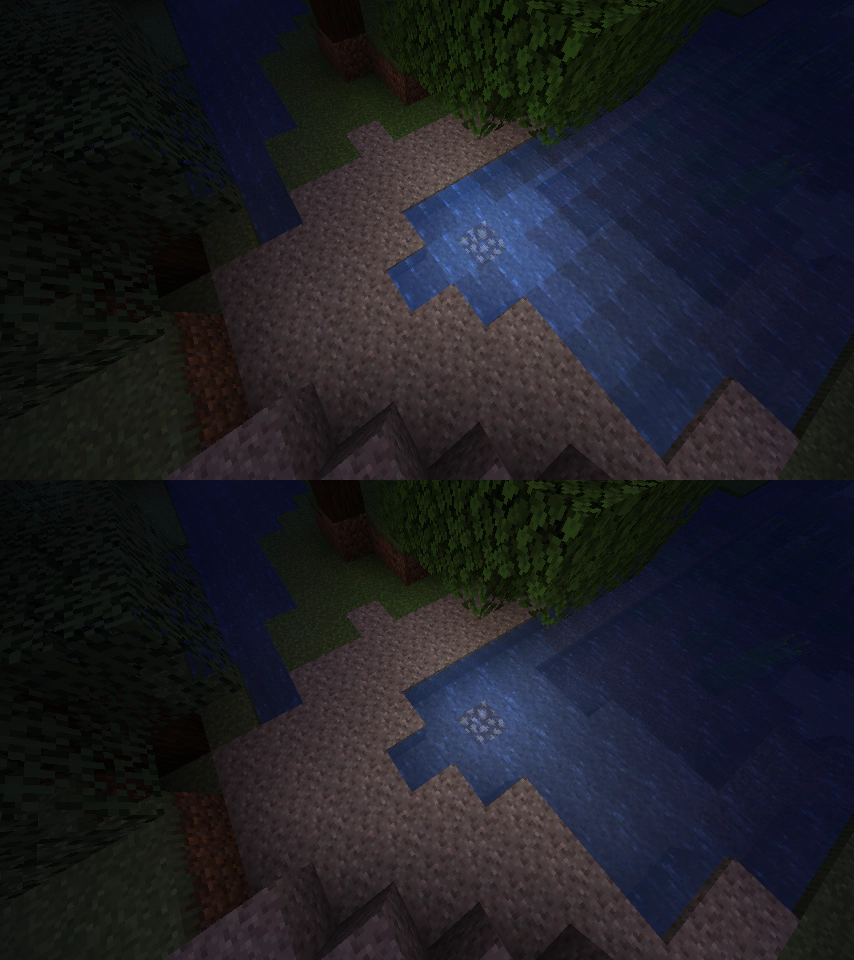
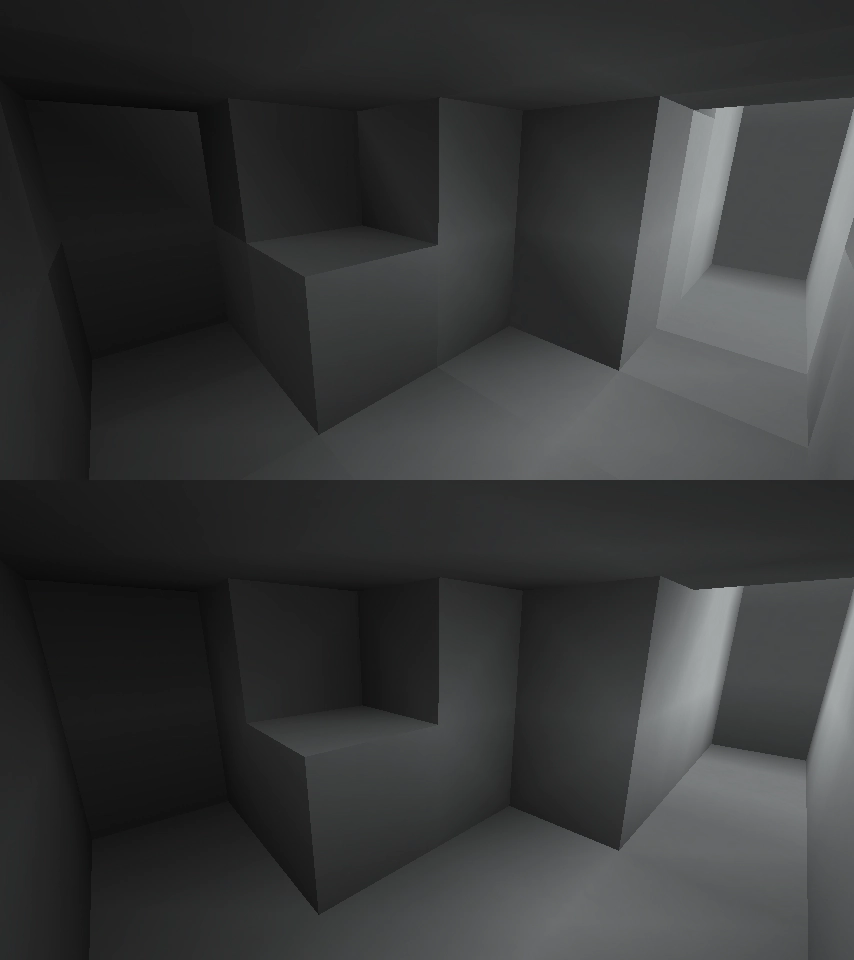
Illustrations from the project author.






 How to install
Discussion 0
Share your experience, ask questions and help other players.
It is quiet here. Your experience could help someone.