

 Your inventory
 Sign in

Editing existing items
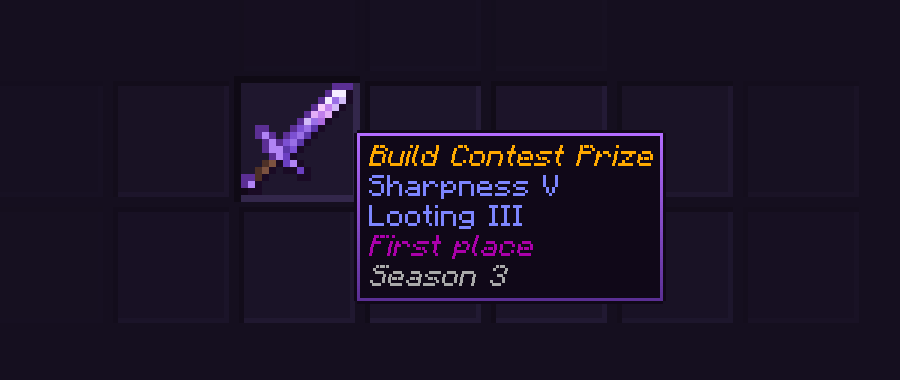
Item Editor is a Bedrock add-on for editing existing items. It covers names, lore, enchantments, durability, attack and protection, book pages, sign text, block states and saved item kits.
Setup and access
- Download ItemEditor.mcpack from the official release and apply the behavior pack to the world.
- Enable cheats; operator access is required.
- The current description requires Minecraft Bedrock 1.26.50 or newer. Experimental toggles are not required.
Menus, wand and property copying
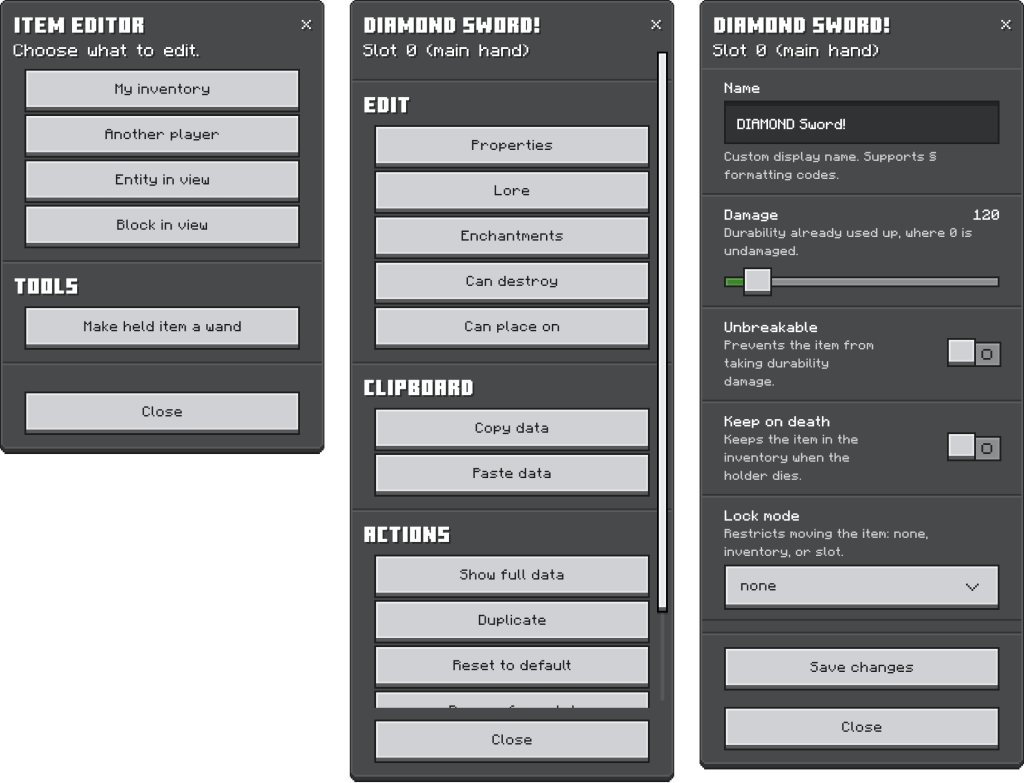
The /jstash:editor command opens the editor. Choose your inventory, another player or the object you are looking at, then an item. The wand provides direct access to entities and blocks, the clipboard copies item settings, and every slot supports undo. Bulk mode can edit a whole armor set.
Configurable abilities
Abilities combine a trigger with a sequence of up to eight steps. The editor provides 30 templates and supports saving your own. The author’s examples include lightning on one sword hit in five, night vision from boots, and mining an ore vein with ingots sent to the inventory. Open the held item’s ability menu with /jstash:editor @s mainhand abilities.
Commands from the author’s example
| Command | Action |
|---|---|
| /jstash:select @s head | Select your own head slot. |
| /jstash:set name “Staff Helmet” | Rename the selected item. |
| /jstash:ench protection 4 | Set Protection 4 within the game’s restrictions. |
| /jstash:set unbreakable true | Enable the selected item’s unbreakable property. |
| equipment | A slot group for applying subsequent commands to the whole equipment set. |
| /jstash:grant | Build an item in one command; arguments are documented by the author. |
| /jstash:kit | Save and hand out inventories. |
| /jstash:block | Work with block states. |
Command builder
The author’s web builder produces a /jstash:grant line: choose an item, configure it and copy the command. Detailed guides are available in the repository’s docs/editor.md, docs/abilities.md and docs/commands.md.
Selected release files
The metadata below describes specific author-provided files. Resource release, platform and Minecraft version are separate fields.
| Release | Minecraft | Platform | Required |
|---|---|---|---|
| v4.0 | Not specified | Bedrock Edition | — |
Author screenshots
Illustrations from the project description and gallery, with original sources and credits retained for each image.
 How to install