Your inventory
+ Suggest a resourceSign in
CATALOG RESOURCE

Embeddium: Enhanced Rendering and Optimization for Minecraft Java

03.11.2026 · Compatibility not verified

↓ Choose a version
Embeddium

Embeddium: Enhanced Rendering and Mod Integration

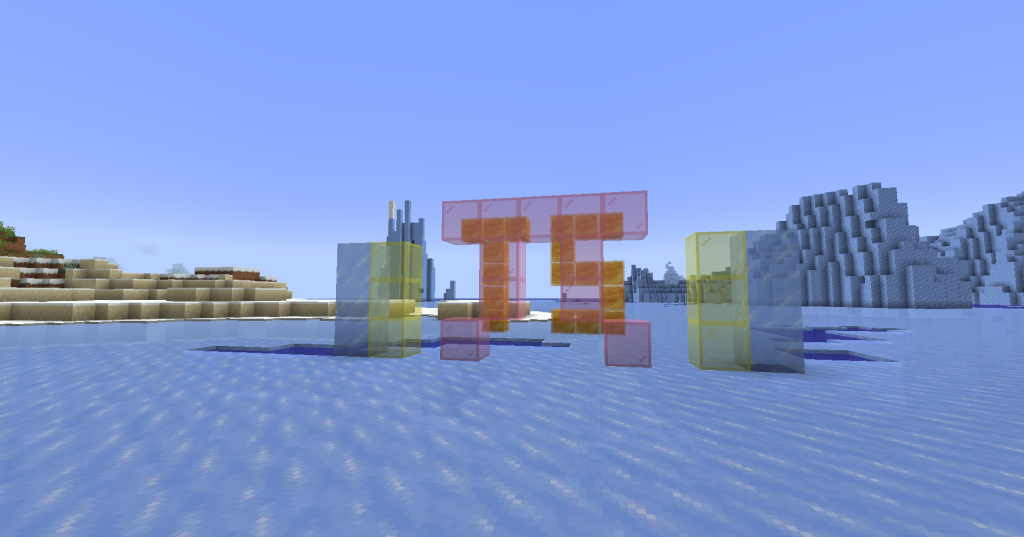
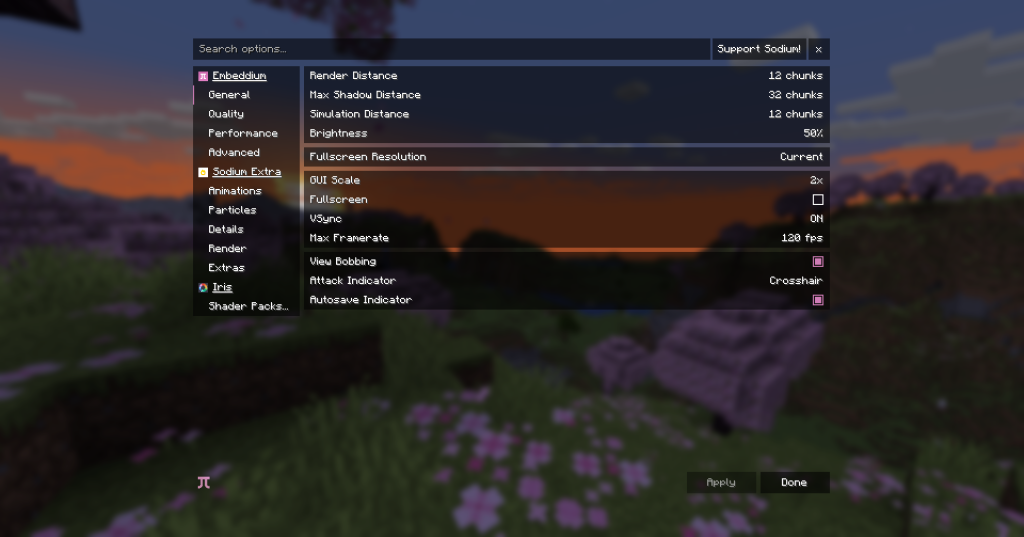
Embeddium replaces the legacy rendering pipeline with a rewritten landscape renderer, optimizing how entities, interfaces, and blocks are drawn. This overhaul eliminates the need for Indium, as it is no longer supported or compatible with the new system. The mod offers an optional transparency sorting feature accessible through video settings to improve visual clarity in complex scenes. It provides additional APIs specifically designed for integrating with other mods, alongside regular patches that address compatibility issues discovered after release.

Embeddium Requirements

Embeddium requires Minecraft Forge for versions up to 1.20.1, Fabric for versions 1.20.1 through 1.20.6, and NeoForge for version 1.20.1 and higher. The mod is built on the latest Sodium codebase, which carries an FOSS license.

Minecraft versions and loaders

Release Minecraft Loader / client Dependencies
1.0.15+mc1.21.1 1.21.1 neoforge —
1.0.14+mc1.21.1 1.21.1 neoforge —

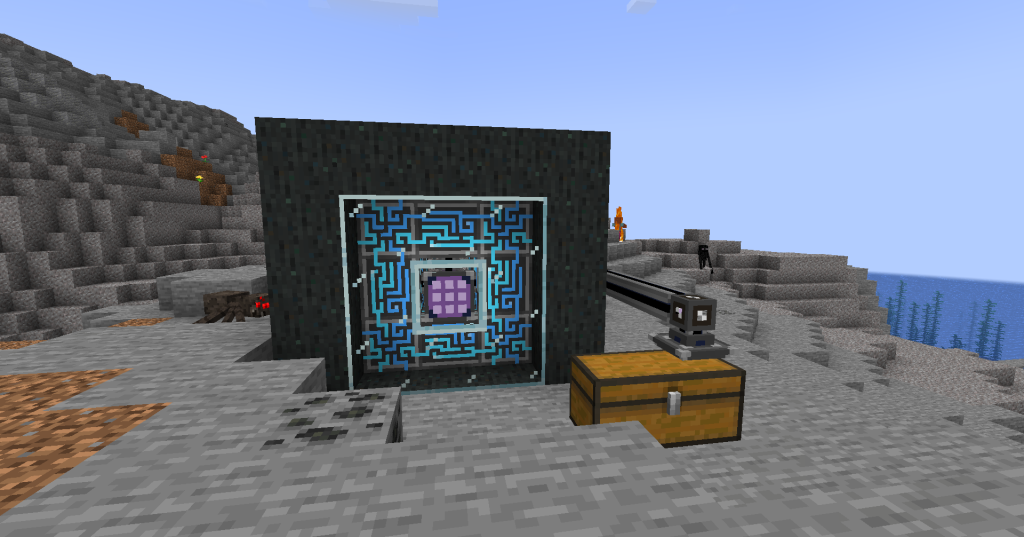
Project screenshots

Illustrations from the project author.
Project screenshots
Project screenshots
Project screenshots
CHOOSE YOUR BUILD

Available downloads

The edition, Minecraft version and loader or client must match the selected file.

Latest release

1.0.15+mc1.21.1

Edition / projectMinecraft Java Edition
Game / loader / clientneoforge
Minecraft version1.21.1
File size1.05 MB
Release date2025-01-24
Last verifiedNot specified
Author-provided SHA-256No checksum provided
Older versions 1
Archived release

1.0.14+mc1.21.1

Edition / projectMinecraft Java Edition
Game / loader / clientneoforge
Minecraft version1.21.1
File size1.05 MB
Release date2025-01-23
Last verifiedNot specified
Author-provided SHA-256No checksum provided

How to install

  1. Check the edition, Minecraft version and loader or client in the table.
  2. Back up your world and read the author’s instructions.
  3. Download the selected file and follow the author instructions for your edition.
  4. Launch the game and check it in a separate test world.

Java: check Vanilla, Forge, Fabric or NeoForge. Bedrock: follow the add-on or world author instructions. Rust clients require separate compatibility testing.

HELP IMPROVE THE CATALOG

Report a problem

Include your version and describe the issue. Your report will be visible to site editors.

Do not include passwords, tokens or other personal information. Privacy policy

WAS THIS ARTICLE HELPFUL?

Reader rating

Rate how useful this article is. Mod compatibility is checked separately by editors.

Be the first to rate this article.

Sign in to rate this article.

COMMUNITY CAMPFIRE

Discussion 0

Share your experience, ask questions and help other players.

Start the conversation

It is quiet here. Your experience could help someone.

Leave a comment

PERSONAL COLLECTION

Your inventory

Your collection is stored in this browser. No account required.