

 Your inventory
 Sign in

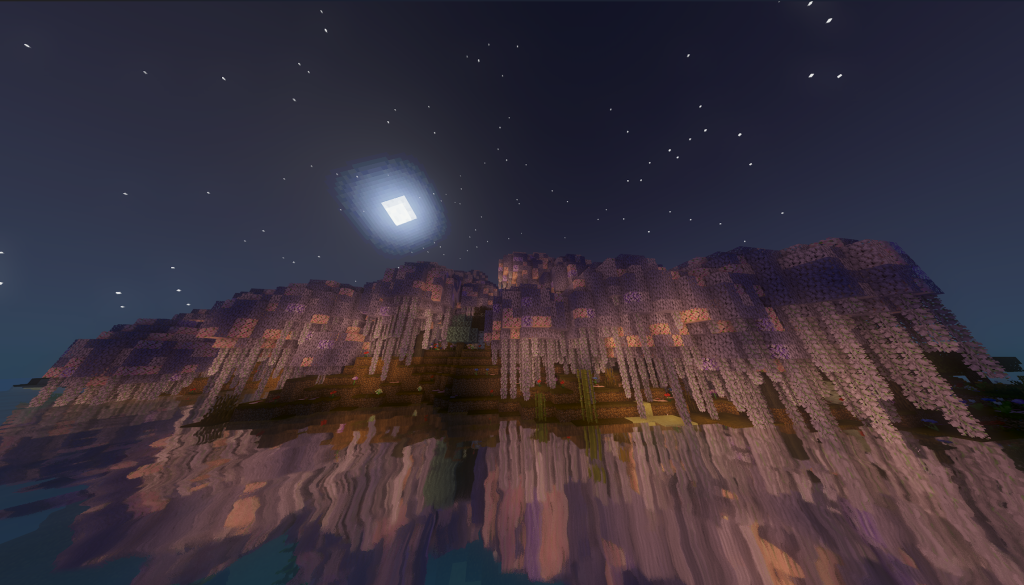
Kimetsunoyaiba Tweaks: Multiplayer Sync and Custom Artisan Creation
This mod introduces multiplayer synchronization for the Kimetsu no Yaiba experience, alongside enhanced breathing style mechanics. It adds a custom system for creating Blood Demon Artisans and expands the game world with new locations. Players can craft Kinjaku by finding Kakushi while holding an Azure Ore in hand and wearing eye wraps. To locate Kakushi, open the meditation menu (while sitting on a cushion) and navigate to the ‘Blacksmith Village’ section.
Commands
| Action | How to perform |
|---|---|
| The mod includes several test and debug commands | |
| – /testanim – (Server) Plays test animation on all connected players | |
| – /testanimc – (Client) Tests client-side animation and syncing | |
| – /testparticles – Tests sword particle effects | |
| – /debugparticles – Displays particle configuration debug info | |
| – /testanim – Plays a specific animation | |
| – /testcrowquest – Tests crow quest marker system | |
| – /debugcrow – Shows debug information for nearby crows | |
| – /testcrowrender – Spawns marker entities at crow positions to debug visibility | |
| All commands require operator permission level 2. | |
| — |
Kimetsunoyaiba Tweaks
This mod reorganized weapon mechanics by moving new ice and frost katanas to the KnY Extra Additions pack. World generation remains functional, though creating a world can occasionally become stuck at 100% progress.
Kimetsunoyaiba Tweaks: Quests, Meditation, and Blood Art
This mod introduces a new quest system with four distinct paths: Demon Slayers, Demons, Hashira, and Smiths. Players can access the Meditation menu by right-clicking a pillow and pressing the meditation button. The Demon Art Blood Editor is available within the Skills tab of this menu, requiring the player to sit on the pillow to open it. Custom Blood Arts allow players to select colors and particles for their creations, with new slots unlocking as levels progress. Base movements include a strike and front flip, while additional moves are unlocked through Demon Alchemy. The mod also supports custom NPCs using Nichirin swords and Breath forms.
Kimetsunoyaiba Tweaks
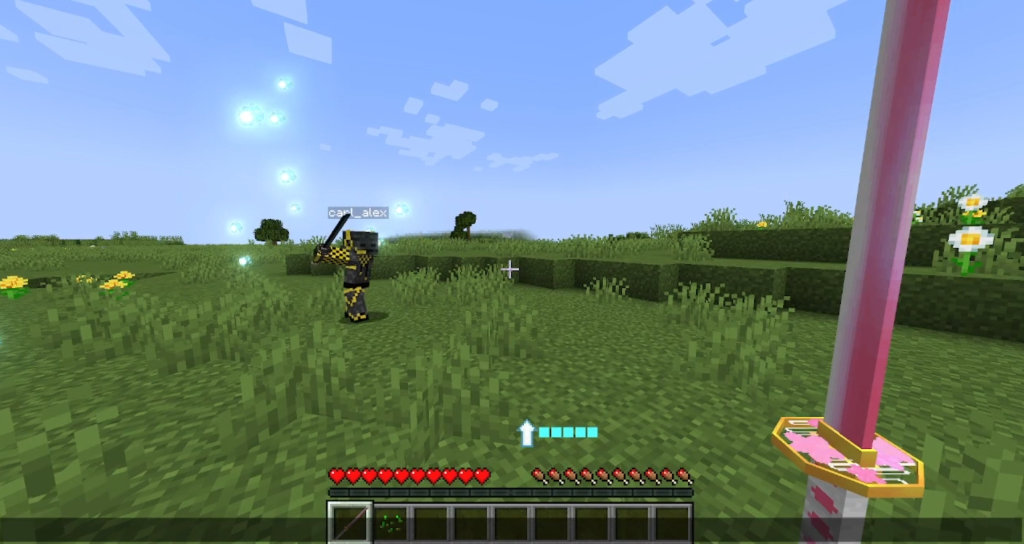
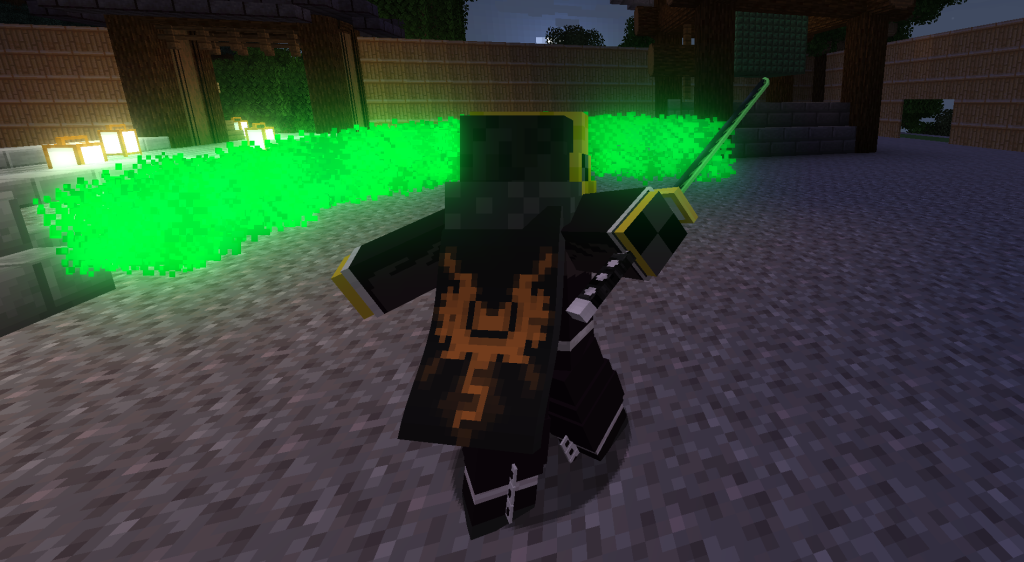
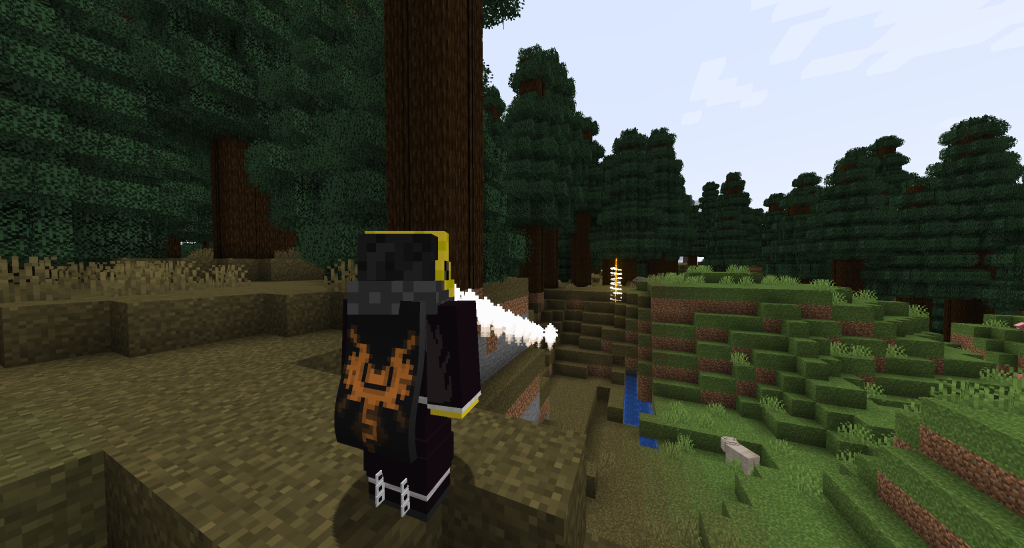
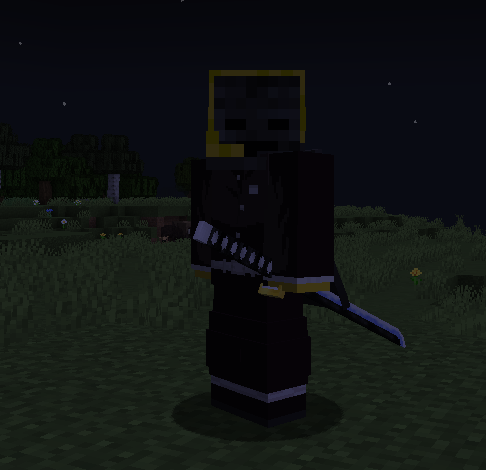
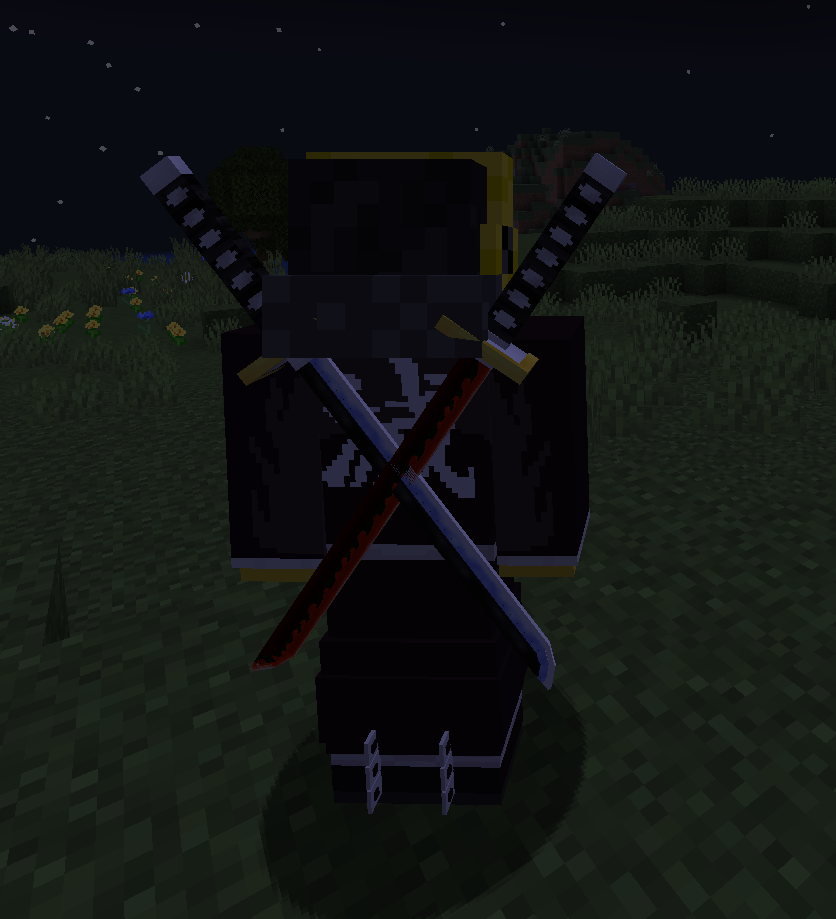
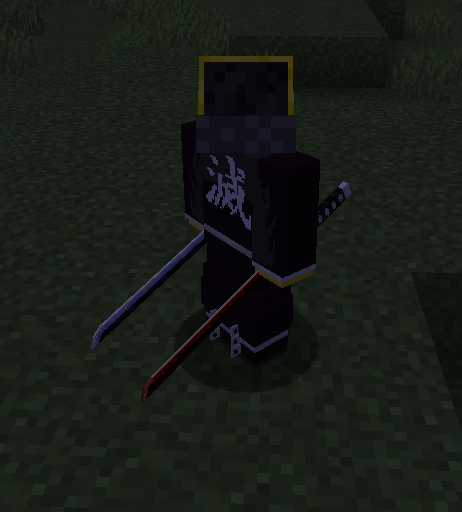
This mod enhances the multiplayer experience by ensuring animation playback is synchronized and visible to all players on the server. It includes a visual system for Nichirin swords that renders them even when not held in the player’s hand, allowing for better situational awareness during combat. The implementation supports displaying two swords simultaneously on either the belt or back, with individual configuration options available for positioning, rotation, and scaling through the config file.
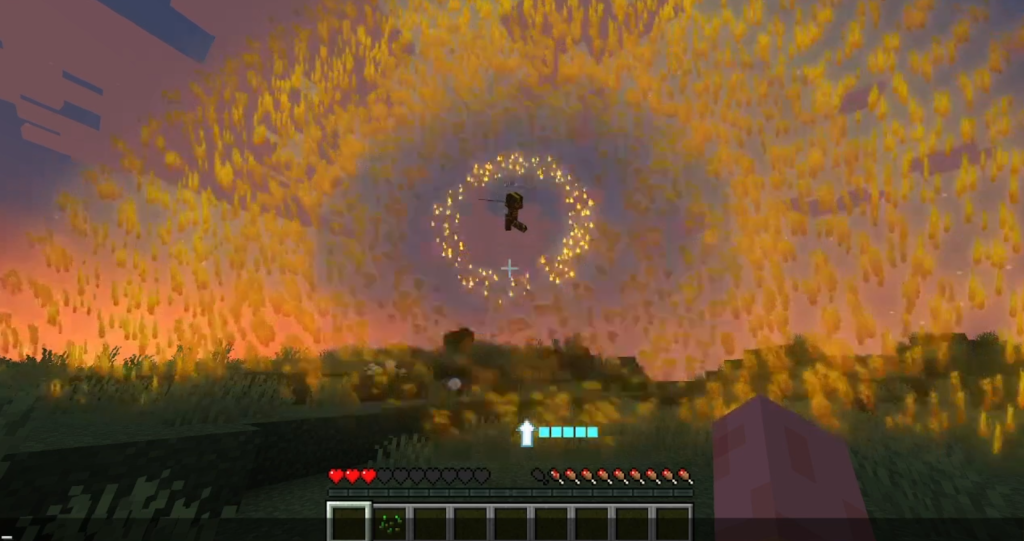
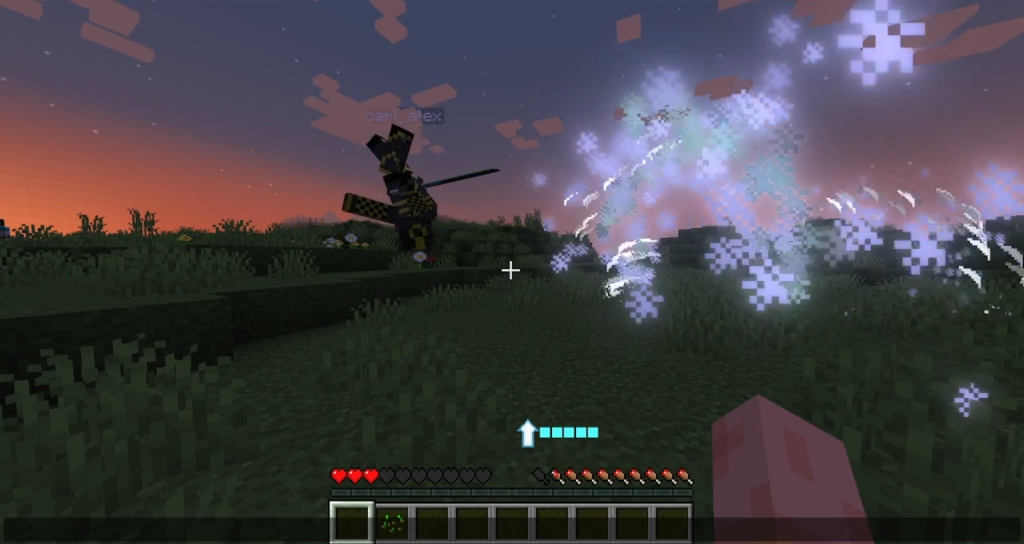
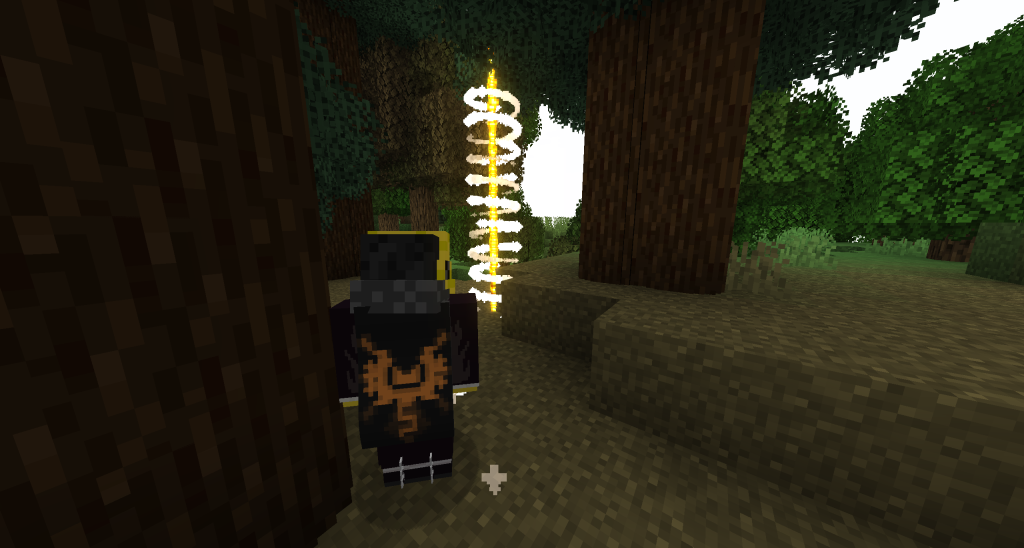
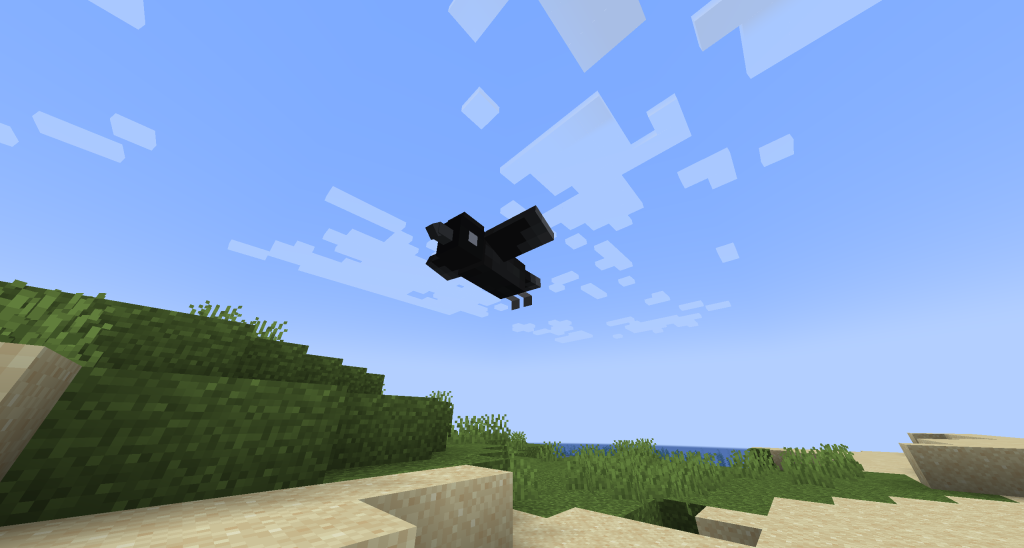
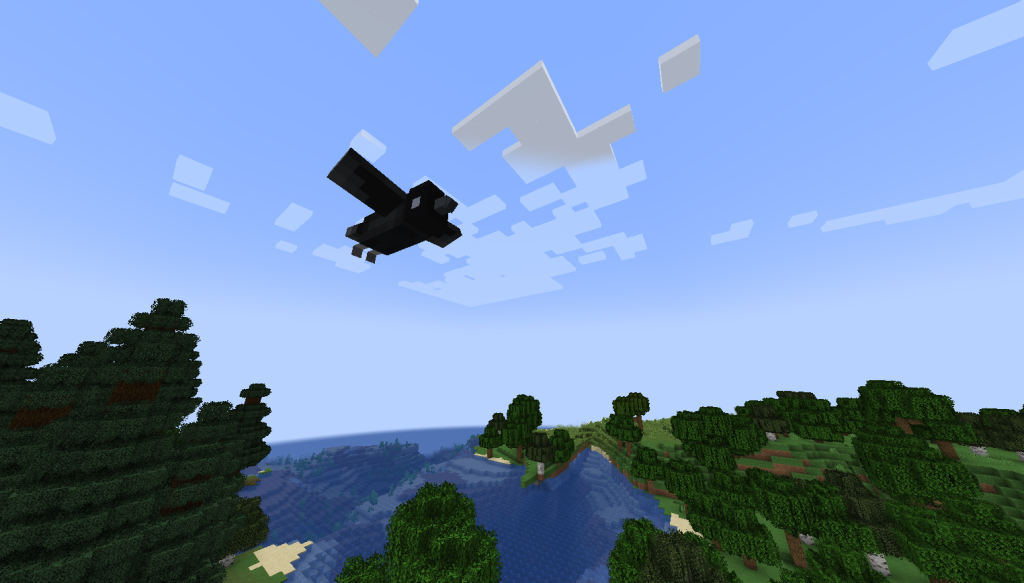
Combat effects can be activated to display impact strikes as entities or particles when attacking with a sword. Additionally, custom signs are introduced, including task markers, an enhanced Kasugai’s Crow, the Eye of Nakime, and the Ochi’s Sign. These features work across both single-player and multiplayer modes without requiring additional setup beyond standard mod installation.
Kimetsunoyaiba Tweaks: Testing and Debugging Commands
Players can utilize specific commands to test animations, synchronization, particle effects, and nearby crowns. The /testanim command runs a test animation for all players on the server, while /testanimc allows individual clients to verify their own animation and sync performance. Particle effects for swords are checked using the /testparticles command, and debug information regarding nearby crows is displayed via /debugcrow. Access to these testing and debugging commands requires operator level 2 permissions.
Kimetsunoyaiba Tweaks: Requirements and Setup
This mod requires Minecraft Forge version 47.4.0 for the 1.20.1 environment, but it is incompatible with Optifine. It depends on Kimetsunoyaiba, Mob Player Animator, Player Animator, GeckoLib, and KnY Worlds to function correctly. Some textures are not yet included in the modpack.
Kimetsu no Yaiba Tweaks: Requirements
This mod requires Minecraft Forge version 1.20.x to function properly. Installation is only possible through the Forge loader, as other mod loaders are not supported. To use Kimetsu no Yaiba Tweaks effectively, you must also install PlayerAnimator on both the client and server sides. Additionally, MobPlayerAnimator is required for full functionality on both platforms. The multiplayer version of the mod depends on other mods that utilize PlayerAnimator being present in your environment.
Minecraft versions and loaders
| Release | Minecraft | Loader / client | Dependencies |
|---|---|---|---|
| 1.6.5703 | 1.20.1, 1.20.2, 1.20.3, 1.20.4, 1.20.5, 1.20.6 | forge | — |
| 1.6.5702 | 1.20.1, 1.20.2, 1.20.3, 1.20.4, 1.20.5, 1.20.6 | forge | — |
Detailed characteristics 1
| Name | Description |
|---|---|
| Multiplayer Animation Support | Makes PlayerAnimator animations visible to all players in multiplayer |
Detailed characteristics 2
| Name | Description |
|---|---|
| Visual Sword Display | Nichirin swords are displayed on your character when not being held |
Detailed characteristics 3
| Name | Description |
|---|---|
| Fully Configurable | : |
Detailed characteristics 4
| Name | Description |
|---|---|
| Sword Slashes | Configurable visual effects when swinging nichirin swords |
Detailed characteristics 5
| Name | Description |
|---|---|
| Minecraft Forge | `1.20.x` (other versions may work but are untested). |
| PlayerAnimator | mod (installed on both client and server). |
| MobPlayerAnimator | mod (installed on both client and server). |
Project screenshots
Illustrations from the project author.
 How to install
Discussion 0
Share your experience, ask questions and help other players.
It is quiet here. Your experience could help someone.