

 Your inventory
 Sign in

StreamCraft Live: Screen Share and Block Features
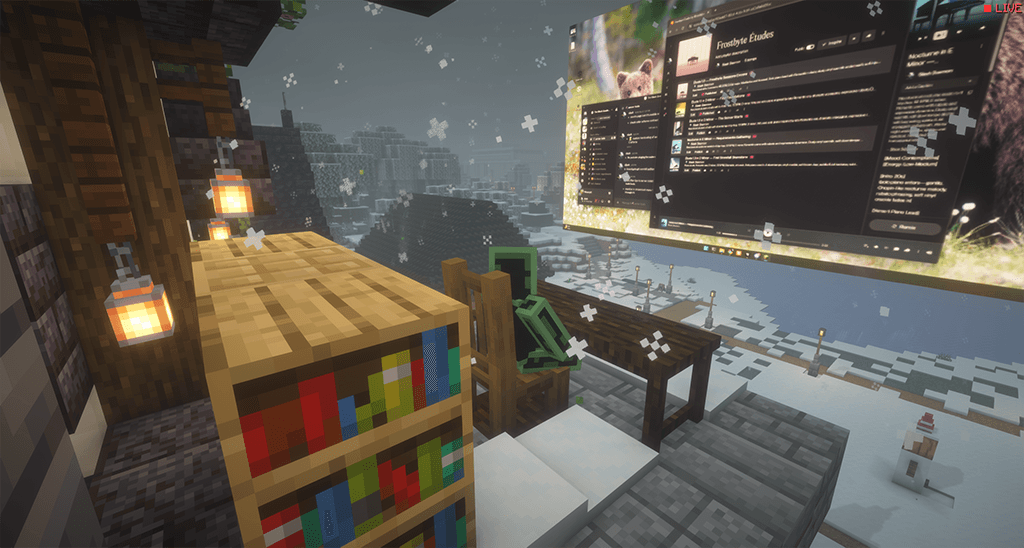
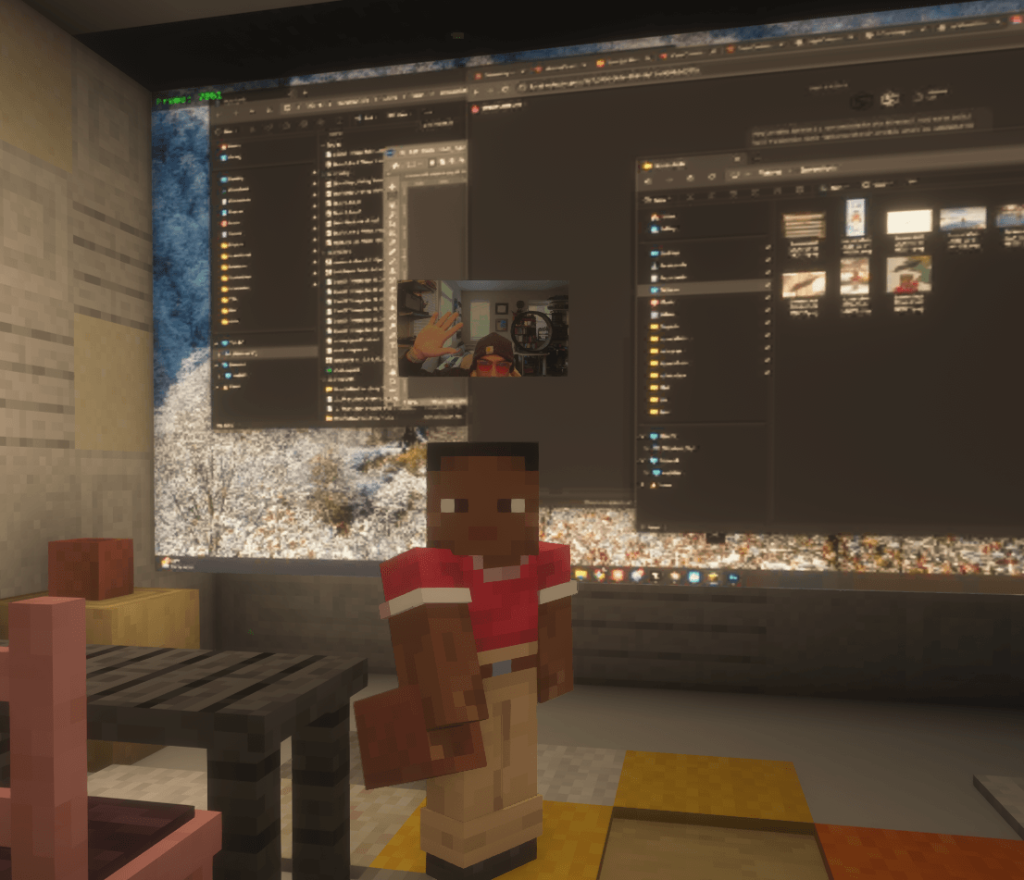
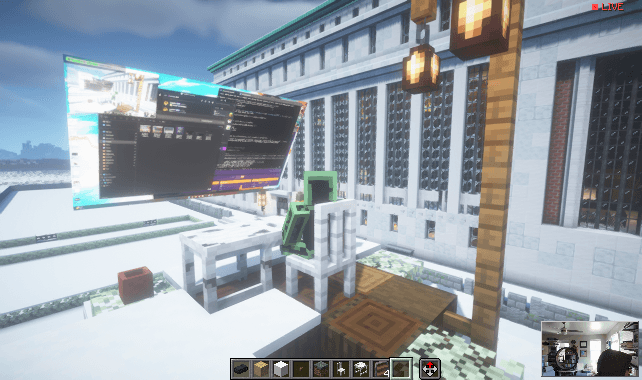
StreamCraft Live enables screen sharing within the StreamCraft Blocks world, allowing users to configure projection size, tilt, and distance. The Webcams feature displays a camera feed as a full-screen shield positioned above the player character, visible to other players during both day and night cycles. Voice Chat facilitates audio communication based on proximity, tied directly to the stream flow and following the viewer’s movement. System Audio transmits game or application sound alongside the screen content using native solutions for each operating system without requiring a virtual driver.
StreamCraft Live: Real-Time Streaming and Chat Integration
StreamCraft Live introduces a live viewer list directly into the game interface, allowing players to see active spectators while previewing their own video feed. The system supports multiple cameras for different players simultaneously, enabling real-time two-way communication between participants. Video quality is optimized at 1080p HD with platform-specific encoding: VP8 for screen capture and H.264 for camera input. Users can share a streaming link to view in a browser without installing additional software or create a YouTube stream with a single button click. The built-in web chat integrates seamlessly with the in-game chat, allowing messages to be exchanged between both interfaces. Group video calls are supported with latency under 500 milliseconds, and access to all features is available without requiring registration or account creation.
StreamCraft Live: Chat Message Deletion
StreamCraft Live adds the ability to remove messages from the in-game chat or channel page. This feature allows administrators to delete specific chat entries directly through the game interface.
StreamCraft Live: In-Game Streaming Blocks
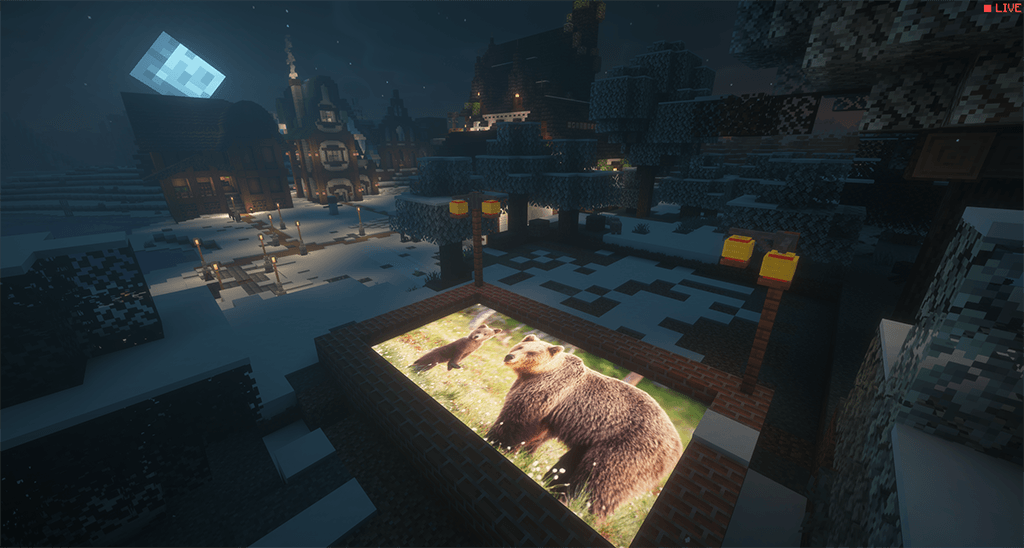
StreamCraft Live introduces a system where webcam feeds and desktop screen shares appear as physical blocks floating above player heads. These blocks render with fullbright, ensuring visibility regardless of in-game lighting conditions or time of day. The interface captures video from any operating system project and places it into the world using dedicated StreamCraft blocks, allowing other players to view your stream directly within the game environment.
StreamCraft Live: Gameplay Enhancements and Subscription Mechanics
Active blocks within the StreamCraft environment illuminate their immediate surroundings, creating a dynamic lighting effect that reacts to player placement. The system automatically saves all configuration settings upon entry, ensuring preferences persist across sessions without manual intervention. Each block features an integrated toggle switch designed specifically for disabling the StreamCraft logo display when desired.
StreamCraft Live Requirements
StreamCraft Live operates exclusively on the Fabric and NeoForge mod loaders, requiring users to select OS-specific builds for Windows, macOS (both arm64 and Intel), Linux, or Android. The service provides free access to voice chat, self-view, and single-player streaming capabilities without needing an account, license, or internet connection. Multi-party video features and web sharing infrastructure are available through Patreon support.
StreamCraft Live: Java Edition Requirements
StreamCraft Live is designed for single-player recording sessions and requires additional client and server mods to enable multiplayer functionality. The software relies on Java 17 or newer, with specific versions of Java 21 needed for most releases and Java 25 required for version 26.x. It integrates FFmpeg, OpenCV, LiveKit FFI, and OS-specific capture bridges to handle video and audio processing. On macOS, the system must be running version 13.0 or higher to ensure proper recording of system audio.
Minecraft versions and loaders
| Release | Minecraft | Loader / client | Dependencies |
|---|---|---|---|
| 0.32.0+mc26.3-neoforge | 26.3 | neoforge | — |
| 0.32.0+mc26.3-fabric | 26.3 | fabric | — |
Detailed characteristics 1
| Name | Description |
|---|---|
| Voice chat | proximity and stream-bound voice on every server, free |
| Your own camera and screen | turn them on and see yourself in the self-view and on your own StreamCraft Blocks, free |
| Single player | open any world, press `’`, and stream to yourself: webcam self-view, desktop on StreamCraft Blocks, fully local. No account, no license, no internet connection: nothing leaves your machine |
Detailed characteristics 2
| Name | Description |
|---|---|
| Share to Web | one click creates a link anyone can open in a browser to watch your stream live, no install needed |
| Your own channel page | claim a permanent `streamcraft.live/u/ ` URL for your streams |
| Chat flows both ways | web viewers chat with the game, and in-game chat appears on your channel page, tagged “in-game” |
| Stream to YouTube | one-click restream of your share to a YouTube live broadcast |
| Moderation built in | remove web-chat messages from in-game or from the channel page |
Project screenshots
Illustrations from the project author.
 How to install
Discussion 0
Share your experience, ask questions and help other players.
It is quiet here. Your experience could help someone.