Your inventory
+ Suggest a resourceSign in
CATALOG RESOURCE

Carpet TIS Addition: Utility Tools and Features for Carpet Users

03.11.2026 · Compatibility not verified

↓ Choose a version
Carpet TIS Addition

Carpet TIS Addition

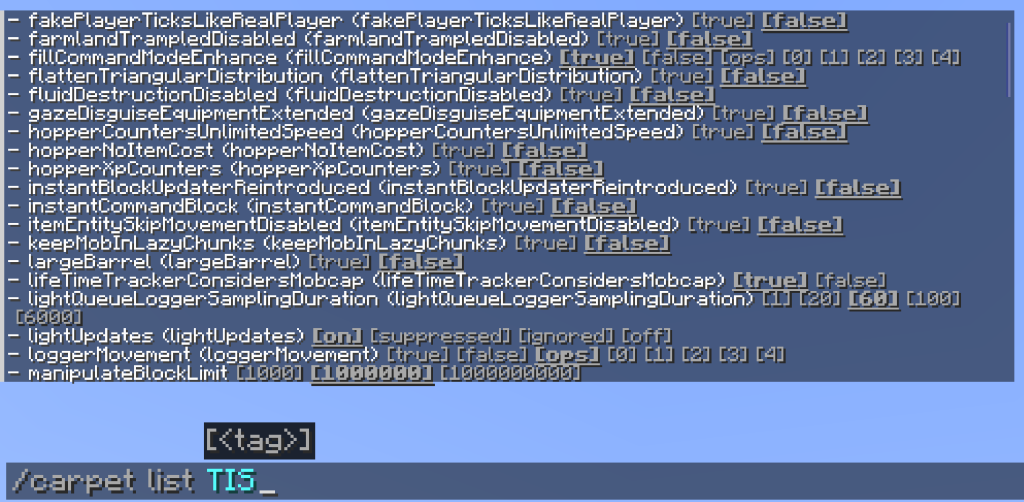
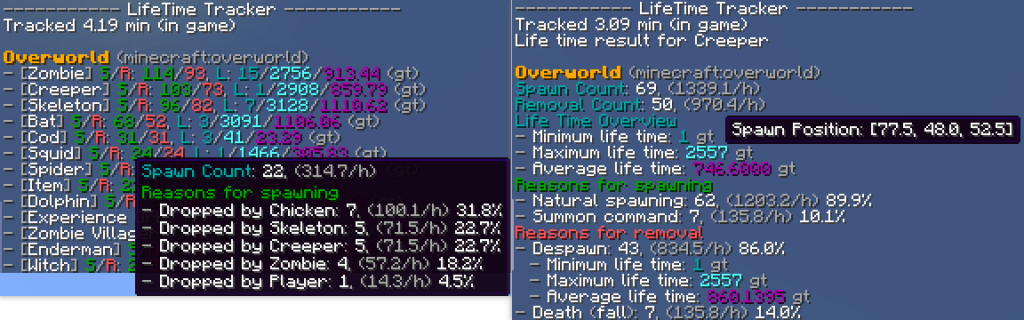
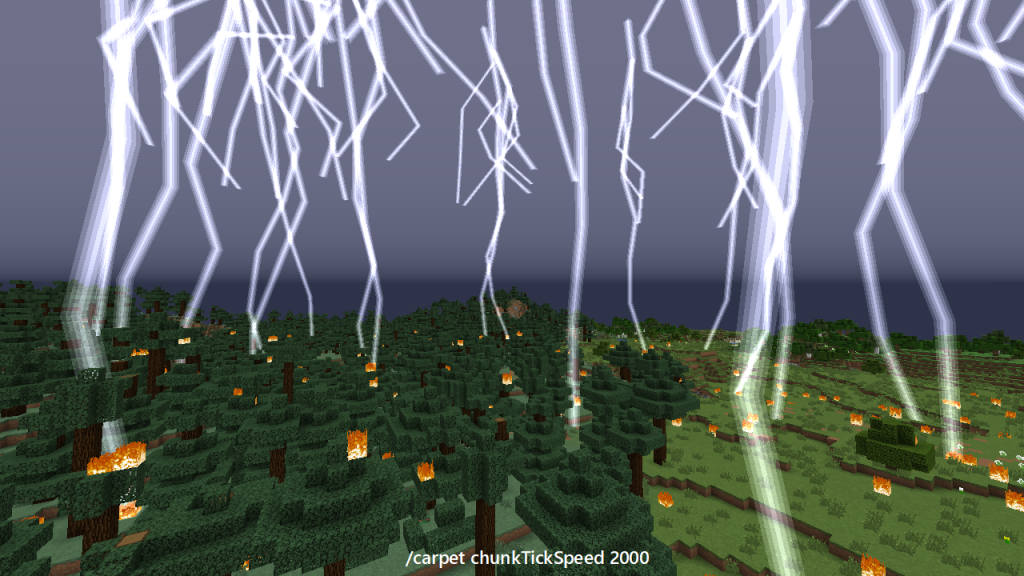
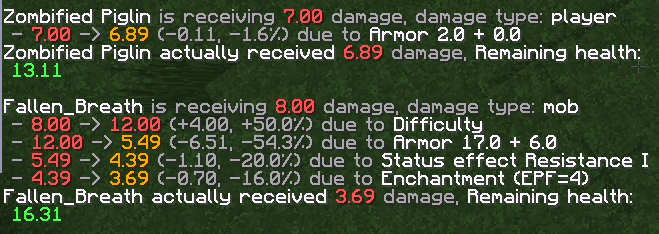
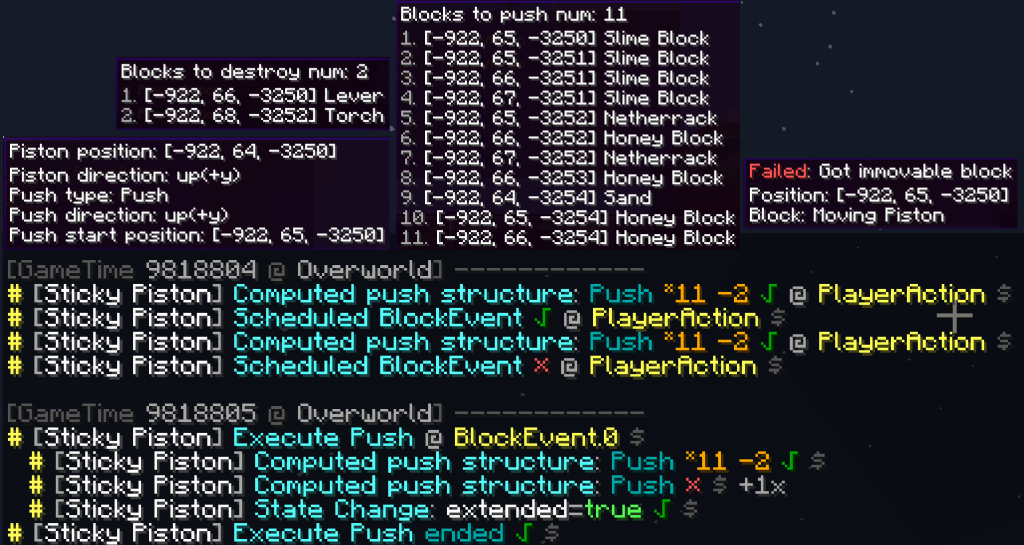
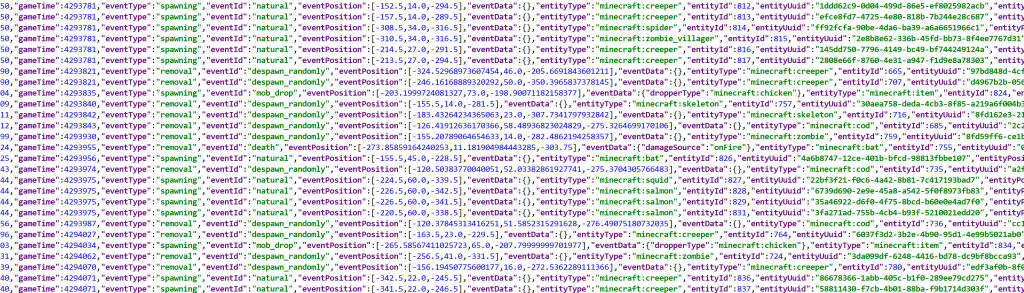
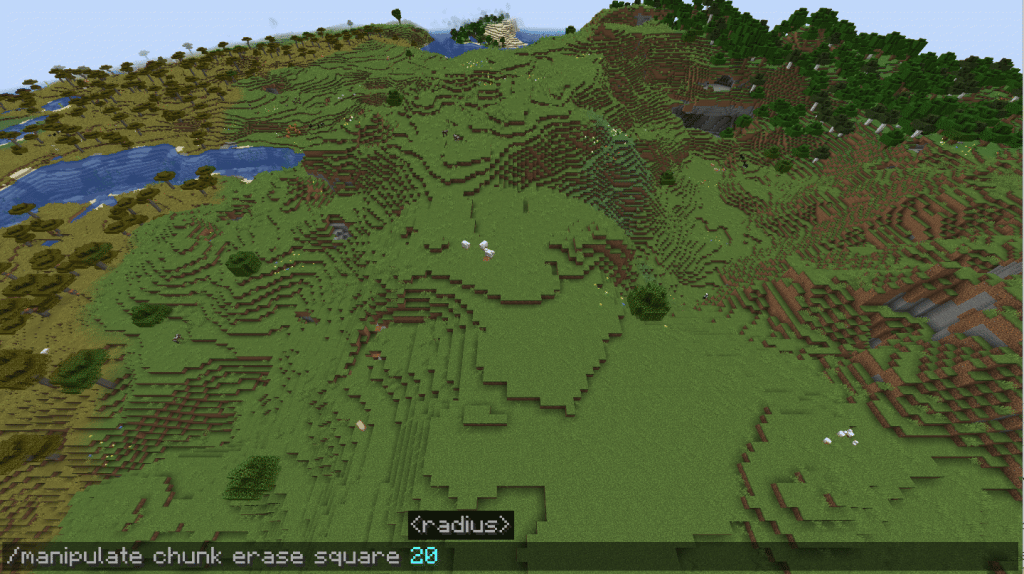
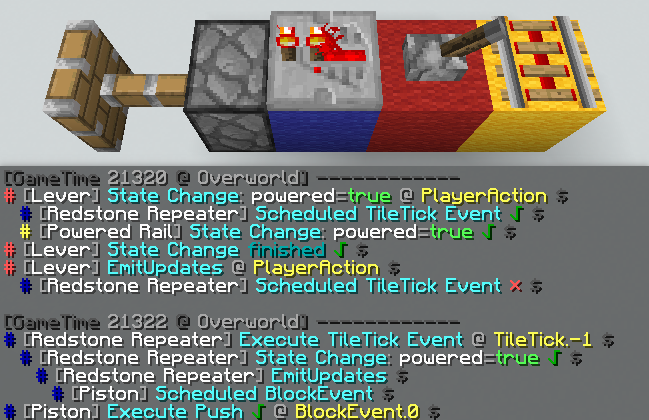
Carpet TIS Addition introduces a curated collection of utility tools and engaging features within the familiar style of the Carpet mod. This resource focuses on enhancing gameplay through practical additions rather than altering core mechanics or introducing new magic levels. The included functions are designed to streamline common tasks while offering unique interactions that complement existing systems without promising performance boosts or stability guarantees.

Carpet TIS Addition

This mod requires the Carpet modification to function correctly. It is recommended to use a version of Carpet newer than the current release. Under standard configuration settings, the mod does not alter vanilla game behavior.

Minecraft versions and loaders

Release Minecraft Loader / client Dependencies
v1.83.0-mc26.4-snapshot-6 26.4-snapshot-6 fabric —
v1.83.0-mc26.1.2 26.1, 26.1.1, 26.1.2 fabric —

Project screenshots

Illustrations from the project author.
Project screenshots
Project screenshots
Project screenshots
Project screenshots
Project screenshots
Project screenshots
Project screenshots
Project screenshots
Project screenshots
Project screenshots
Project screenshots
CHOOSE YOUR BUILD

Available downloads

The edition, Minecraft version and loader or client must match the selected file.

Latest release

v1.83.0-mc26.4-snapshot-6

Edition / projectMinecraft Java Edition
Game / loader / clientfabric
Minecraft version26.4-snapshot-6
File size1.72 MB
Release date2026-11-01
Last verifiedNot specified
Author-provided SHA-256No checksum provided
Older versions 1
Archived release

v1.83.0-mc26.1.2

Edition / projectMinecraft Java Edition
Game / loader / clientfabric
Minecraft version26.1, 26.1.1, 26.1.2
File size1.72 MB
Release date2026-11-01
Last verifiedNot specified
Author-provided SHA-256No checksum provided

How to install

  1. Check the edition, Minecraft version and loader or client in the table.
  2. Back up your world and read the author’s instructions.
  3. Download the selected file and follow the author instructions for your edition.
  4. Launch the game and check it in a separate test world.

Java: check Vanilla, Forge, Fabric or NeoForge. Bedrock: follow the add-on or world author instructions. Rust clients require separate compatibility testing.

HELP IMPROVE THE CATALOG

Report a problem

Include your version and describe the issue. Your report will be visible to site editors.

Do not include passwords, tokens or other personal information. Privacy policy

WAS THIS ARTICLE HELPFUL?

Reader rating

Rate how useful this article is. Mod compatibility is checked separately by editors.

Be the first to rate this article.

Sign in to rate this article.

COMMUNITY CAMPFIRE

Discussion 0

Share your experience, ask questions and help other players.

Start the conversation

It is quiet here. Your experience could help someone.

Leave a comment

PERSONAL COLLECTION

Your inventory

Your collection is stored in this browser. No account required.