Your inventory
+ Suggest a resourceSign in
CATALOG RESOURCE

Digimobs Official Modpack

03.11.2026 · Compatibility not verified

↓ Choose a version
Digimobs Official Modpack

Digimobs Official Modpack

This modpack integrates the Entity Culling module to automatically remove invisible or deleted entities from memory, reducing background load. It relies on Ferrite Core to optimize RAM usage and includes Default Options plus Balm as a mandatory dependency for configuring game parameters.

Digimobs Official Modpack: Optimized Performance for Java Edition

The Digimobs Official Modpack is a curated collection designed specifically for the Java Edition of Minecraft. Its primary purpose is to streamline the experience by integrating the Digimobs mod while addressing its inherent performance demands. Since the original Digimobs implementation can be resource-intensive, this modpack focuses on optimization to ensure smoother gameplay without sacrificing the core functionality of summoning and managing mobs.

Minecraft versions and loaders

Release Minecraft Loader / client Dependencies
2.2.8 1.20.1 forge —
2.2.7 1.20.1 forge —

Project screenshots

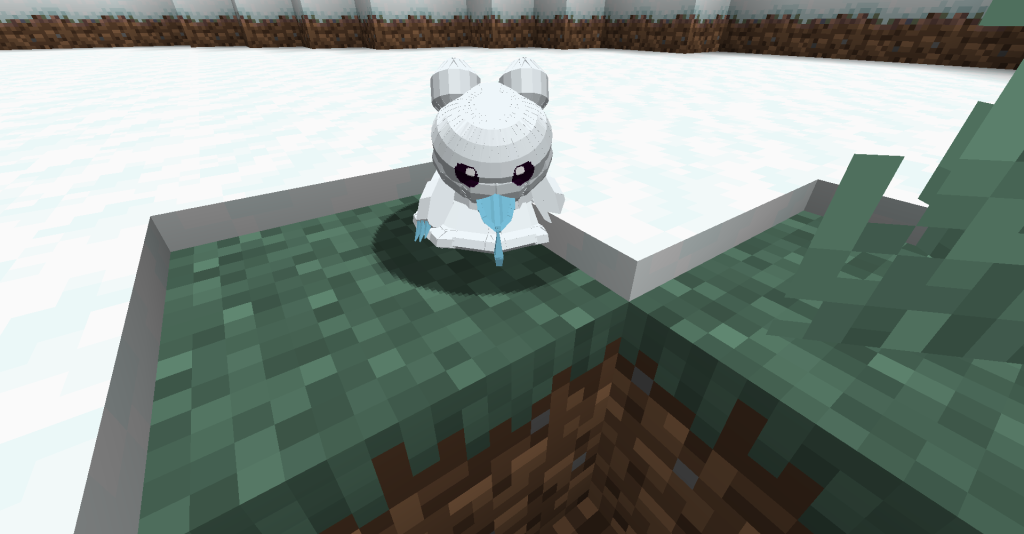
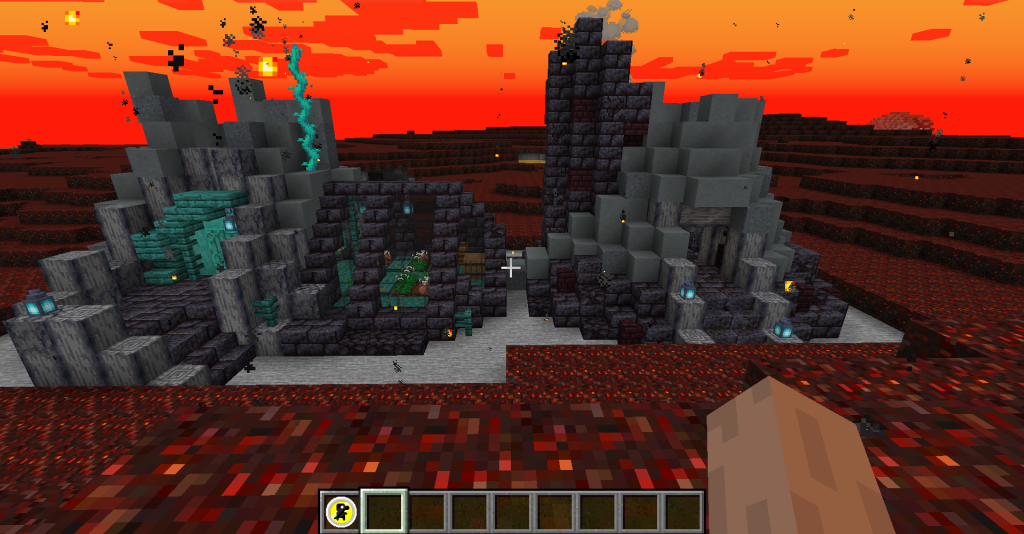
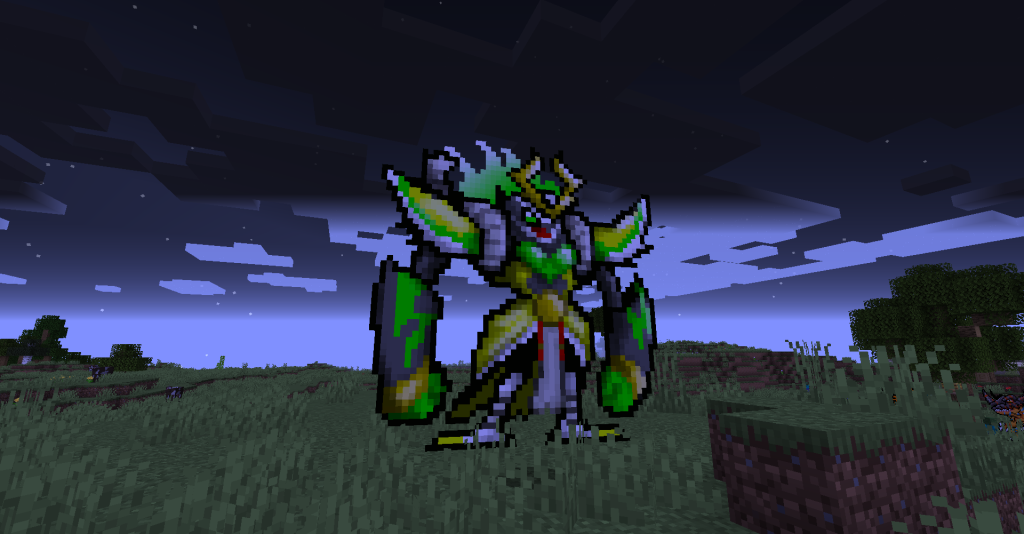
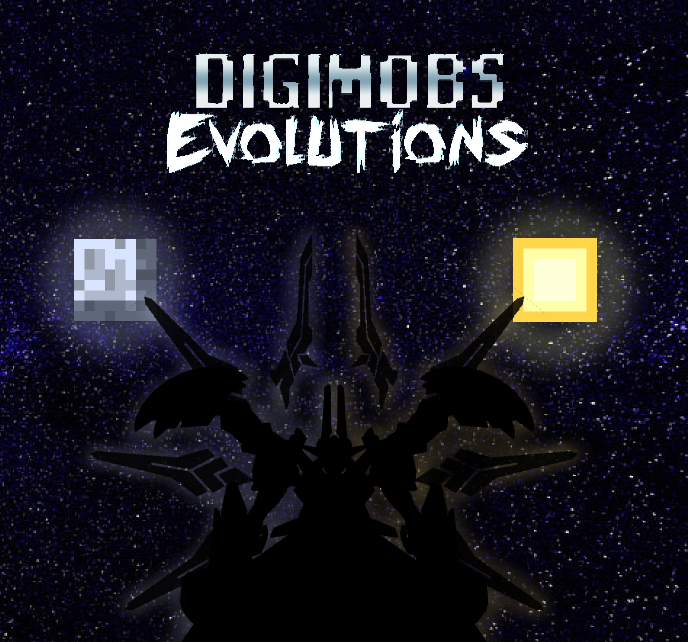
Illustrations from the project author.
Project screenshots
Project screenshots
Project screenshots
CHOOSE YOUR BUILD

Available downloads

The edition, Minecraft version and loader or client must match the selected file.

Latest release

2.2.8

Edition / projectMinecraft Java Edition
Game / loader / clientforge
Minecraft version1.20.1
File size61.16 MB
Release date2026-11-01
Last verifiedNot specified
Author-provided SHA-256No checksum provided
Older versions 1
Archived release

2.2.7

Edition / projectMinecraft Java Edition
Game / loader / clientforge
Minecraft version1.20.1
File size62.94 MB
Release date2026-11-01
Last verifiedNot specified
Author-provided SHA-256No checksum provided

How to install

  1. Check the edition, Minecraft version and loader or client in the table.
  2. Back up your world and read the author’s instructions.
  3. Download the selected file and follow the author instructions for your edition.
  4. Launch the game and check it in a separate test world.

Java: check Vanilla, Forge, Fabric or NeoForge. Bedrock: follow the add-on or world author instructions. Rust clients require separate compatibility testing.

HELP IMPROVE THE CATALOG

Report a problem

Include your version and describe the issue. Your report will be visible to site editors.

Do not include passwords, tokens or other personal information. Privacy policy

WAS THIS ARTICLE HELPFUL?

Reader rating

Rate how useful this article is. Mod compatibility is checked separately by editors.

Be the first to rate this article.

Sign in to rate this article.

COMMUNITY CAMPFIRE

Discussion 0

Share your experience, ask questions and help other players.

Start the conversation

It is quiet here. Your experience could help someone.

Leave a comment

PERSONAL COLLECTION

Your inventory

Your collection is stored in this browser. No account required.